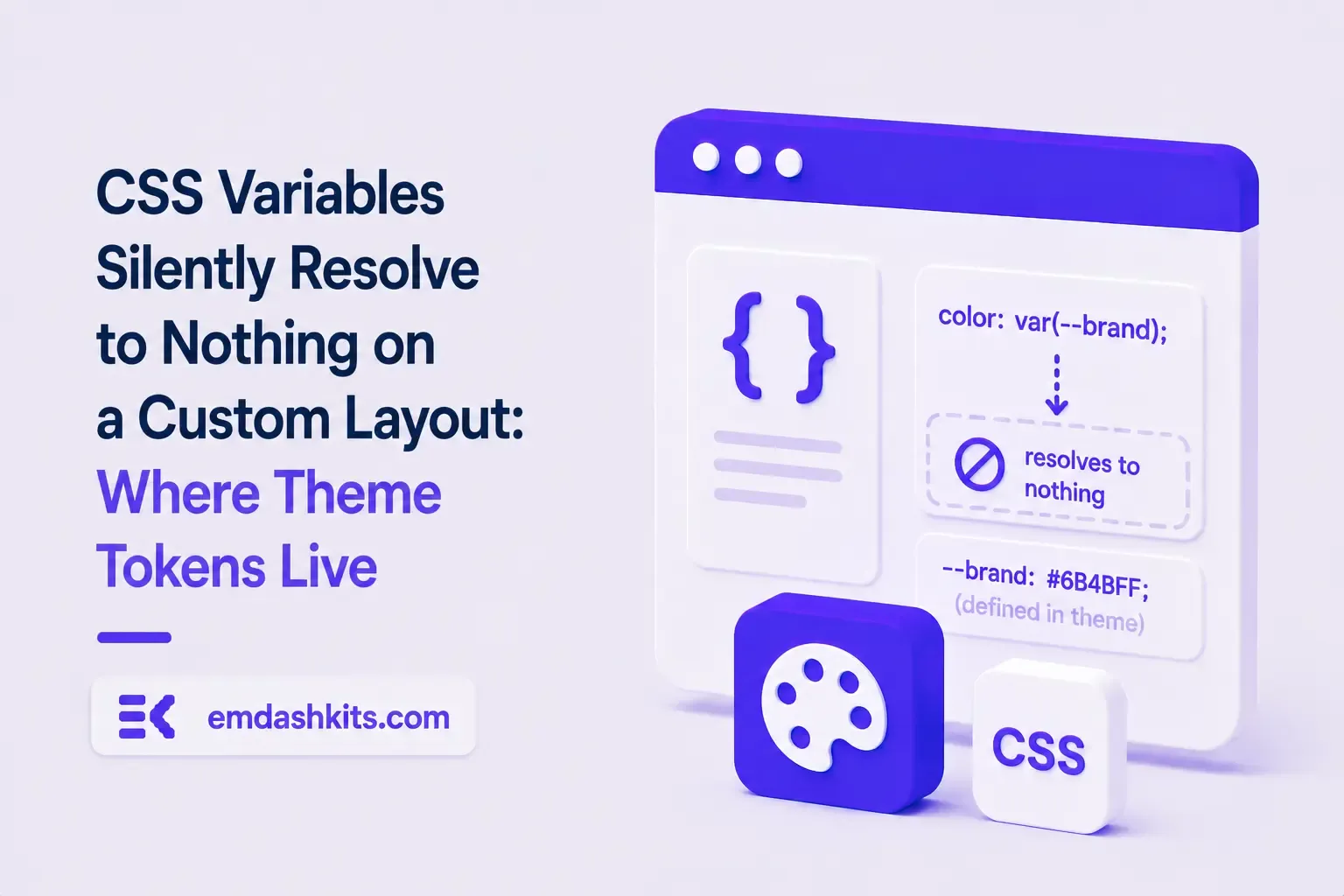
TL;DR — A standalone public page (no header/footer, its own minimal layout) had its spacing silently collapse. The page's CSS used var(--spacing-md) and similar tokens, assuming they'd be globally available — but those custom properties were actually defined inside the main site layout's own style block, not in the imported "global" stylesheet. A layout that doesn't extend the main one gets none of them.
Gaps between elements disappeared, spacing looked collapsed, with no console error — an invalid var() reference doesn't throw, it just silently falls back to nothing.
Root cause
The project's imported global stylesheet is mostly an empty override file by default. The actual --spacing-*/--color-* custom property definitions live inside the main layout component's own <style is:global> block. Pages built on that main layout inherit the tokens automatically; a page using a different, lightweight layout for a standalone public view does not.
Don't assume a project's "global stylesheet" import means every global token actually lives there — check where custom properties are really defined before reusing them on a new layout.
Grep for the :root {...} block across every layout file, not just the one you're extending, before shipping a page on an alternate layout.
TL;DR — A custom session-cookie login flow appeared to succeed on localhost (the OTP verified, the response looked fine) but every subsequent request to a login-gated page treated the visitor as logged out. Identical code worked fine on the live HTTPS site. The cookie's Secure attribute was hardcoded to true — and per the cookie spec, browsers never store or send a Secure cookie over a plain, non-HTTPS connection.
Check the actual Set-Cookie response header and the browser's own cookie storage panel — on localhost over http://, the cookie is sent by the server but never actually stored by the browser.
Root cause
// before -- assumes the app is always served over HTTPS
setCookie("session", token, { secure: true, httpOnly: true });
emdashkits.com
A cookie config that quietly assumes "we're always on HTTPS" breaks the instant you test over plain HTTP, which local dev servers commonly are.
// after -- derive secure from the actual request protocol
const isHttps = request.url.startsWith("https://");
setCookie("session", token, { secure: isHttps, httpOnly: true });
emdashkits.com
Lessons learned
Any Secure-flagged cookie needs to key off the real request scheme, not an assumption baked in once at cookie-creation time.
"Works in production, silently fails in local dev" is a strong signal to check cookie flags before anything else in an auth flow.
Check other cookies in the same codebase for the same hardcoded assumption — if one cookie has this bug, sibling cookies set the same way are worth auditing too.
TL;DR — GA4's gtag.js snippet was installed correctly, the page loaded with no visible JavaScript error, and GA4's real-time report still showed zero activity. The CMS's default Content-Security-Policy had no allowance for analytics domains and no config option to add one — so every request to Google's tracking endpoints was blocked at the browser level before it could fail loudly.
Check the browser's dedicated CSP violation reporting, not the regular console error list — CSP blocks are reported through their own channel, not thrown as normal script errors, so "no console errors" doesn't mean nothing was blocked.
Root cause
The CSP's script-src and connect-src directives had no entry for googletagmanager.com or google-analytics.com, and the CMS exposed no configuration surface to add one — the only way in was patching the CSP directives directly.
// patch-package: add analytics domains to the existing CSP directives
scriptSrc.push("https://www.googletagmanager.com");
connectSrc.push("https://www.google-analytics.com", "https://www.googletagmanager.com");
"No console errors" is not proof nothing was blocked — CSP violations live in their own reporting surface and are easy to miss if you're only scanning for red error text.
Before adding any third-party script tag to a site with a CSP already in place, check the CSP's directives first rather than assuming a silently-empty analytics dashboard means a snippet-installation mistake.





Comments