Best CMS for Documentation Sites

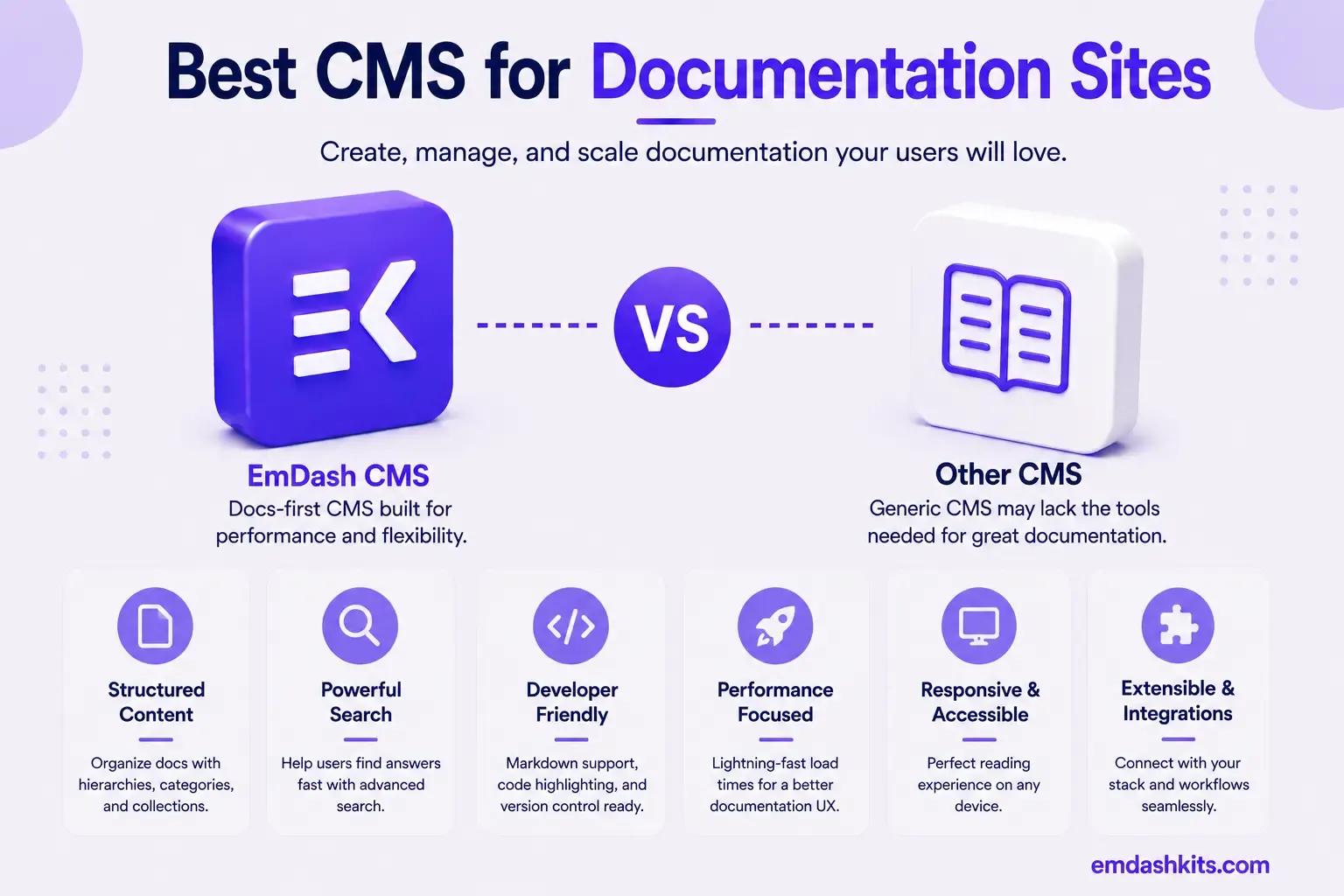
Documentation is a genuinely specialized CMS category — versioning, code syntax highlighting, search built for technical queries, and increasingly, whether AI coding tools can query your docs directly. This guide compares the platforms purpose-built for that job, and where a general-purpose structured CMS like EmDash realistically fits.
Table of Contents
- AI Is the Defining 2026 Differentiator
- The Platforms, by Documentation Need
- Mintlify — Best for AI-Native Documentation and Developer Experience
- Docusaurus — Best for Git-Based Control and Maximum Page Speed
- GitBook — Best for Non-Technical Writers Contributing to Docs
- ReadMe — Best for API-First Companies
- EmDash CMS — Best for Docs That Are Part of a Broader Structured Content Site
- TinaCMS — Best for Git-Native Docs with Visual Editing
- How to Actually Choose
- Frequently Asked Questions
- Is AI integration actually important for documentation in 2026, or is it hype?
- Should I use a dedicated docs tool or fold documentation into my main CMS?
- Is GitBook's performance issue a dealbreaker?
- Does EmDash's MCP server do the same thing as Mintlify's AI assistant?
- The Bottom Line
- Sources
AI Is the Defining 2026 Differentiator
AI is the biggest differentiator in 2026. Mintlify's AI assistant is the most comprehensive, trained on your full documentation set and can answer natural language questions with citations, with MCP server integration meaning that AI coding tools like Cursor, Claude Code, and Copilot can query your docs directly. Docusaurus, as a static site generator, produces the fastest pages, with Mintlify close behind — but Docusaurus has no built-in AI features. GitBook's performance has been a consistent pain point, with pages loading slower than Mintlify or Docusaurus, though its real-time collaboration rivals Google Docs, making it ideal for teams where non-technical writers contribute.
That MCP integration point is genuinely relevant background for evaluating EmDash here too — EmDash ships its own built-in MCP server for AI-native content management, the same underlying protocol Mintlify uses to let coding tools query documentation directly. It's a sign of where the whole content-tooling category is heading, not just a documentation-specific feature.
The Platforms, by Documentation Need
Mintlify — Best for AI-Native Documentation and Developer Experience
Mintlify's combination of strong static performance and the most comprehensive AI assistant in the category (trained on your full docs, MCP-queryable by coding tools) makes it the leading choice for a modern developer-tool documentation site in 2026.
Docusaurus — Best for Git-Based Control and Maximum Page Speed
Docusaurus produces the fastest pages of any documentation platform as a pure static site generator, with full Git-based version control and no vendor lock-in since it's open-source — the trade-off being no built-in AI features, which increasingly matters for developer-facing docs in 2026.
GitBook — Best for Non-Technical Writers Contributing to Docs
GitBook's real-time, Google-Docs-like collaborative editing makes it the strongest choice when non-technical writers need to contribute directly to documentation — a genuine strength most code-first documentation tools don't match, at the cost of documented performance issues on larger doc sets.
ReadMe — Best for API-First Companies
ReadMe remains the go-to platform specifically for interactive API documentation and reference portals, with an API playground considered unmatched in the category. Best for a company whose documentation is primarily API reference rather than conceptual guides.
EmDash CMS — Best for Docs That Are Part of a Broader Structured Content Site
EmDash isn't purpose-built for documentation specifically — it lacks dedicated docs versioning, a code-syntax-highlighting-first editing experience, or Docusaurus's static-site-generator speed ceiling. Where it's a reasonable fit is a company that wants documentation living alongside a broader content site (blog, marketing pages, knowledge base) in one structured, sandboxed-plugin-secure system, with its own MCP server giving AI coding tools programmatic access similar to Mintlify's, rather than a dedicated, docs-only tool. Full comparison: EmDash CMS vs Strapi.
TinaCMS — Best for Git-Native Docs with Visual Editing
TinaCMS's Git-and-Markdown-native storage with a real-time visual editor is a strong middle ground for documentation that wants Docusaurus's Git-based control plus a friendlier editing experience for less technical contributors. Full comparison: EmDash CMS vs Tina CMS.
How to Actually Choose
- If AI-native docs and MCP integration for coding tools matter most: Mintlify.
- If maximum page speed and Git-based control matter most, and AI features aren't a priority: Docusaurus.
- If non-technical writers need to contribute directly: GitBook.
- If your docs are primarily API reference: ReadMe.
- If docs need to live alongside a broader structured content site: EmDash.
- If you want Git-native storage with friendlier visual editing than Docusaurus: TinaCMS.
Frequently Asked Questions
Is AI integration actually important for documentation in 2026, or is it hype?
It's increasingly practical, not just hype — developers using AI coding assistants (Cursor, Claude Code, Copilot) benefit directly when those tools can query your documentation via MCP rather than relying on the AI's training data alone, which can be outdated or wrong for your specific API.
Should I use a dedicated docs tool or fold documentation into my main CMS?
For a dedicated developer product with heavy documentation needs, a purpose-built tool (Mintlify, Docusaurus, ReadMe) will almost always serve you better. Folding docs into a general CMS like EmDash makes sense mainly when documentation is a smaller part of a broader content site, not the primary product.
Is GitBook's performance issue a dealbreaker?
For a large documentation set, potentially — page load and navigation sluggishness is a documented, consistent complaint. For smaller doc sets or teams where non-technical collaboration matters more than raw speed, it may still be the right trade-off.
Does EmDash's MCP server do the same thing as Mintlify's AI assistant?
They serve a related purpose (letting AI tools access content programmatically) but aren't identical products — Mintlify's is purpose-built and trained specifically on your documentation with a chat interface; EmDash's MCP server is a more general content-management interface for AI agents, not a documentation-specific assistant.
The Bottom Line
For dedicated developer documentation, purpose-built tools — Mintlify for AI-native docs, Docusaurus for speed and Git control, GitBook for non-technical collaboration, ReadMe for API-first companies — are almost always the better choice than a general CMS. EmDash's place in this picture is documentation that lives alongside a broader structured content site, not as a docs-first replacement. See our full comparison of EmDash CMS vs Strapi for more on EmDash's structured-content approach generally.




Comments