What Is EmDash CMS? Full Overview

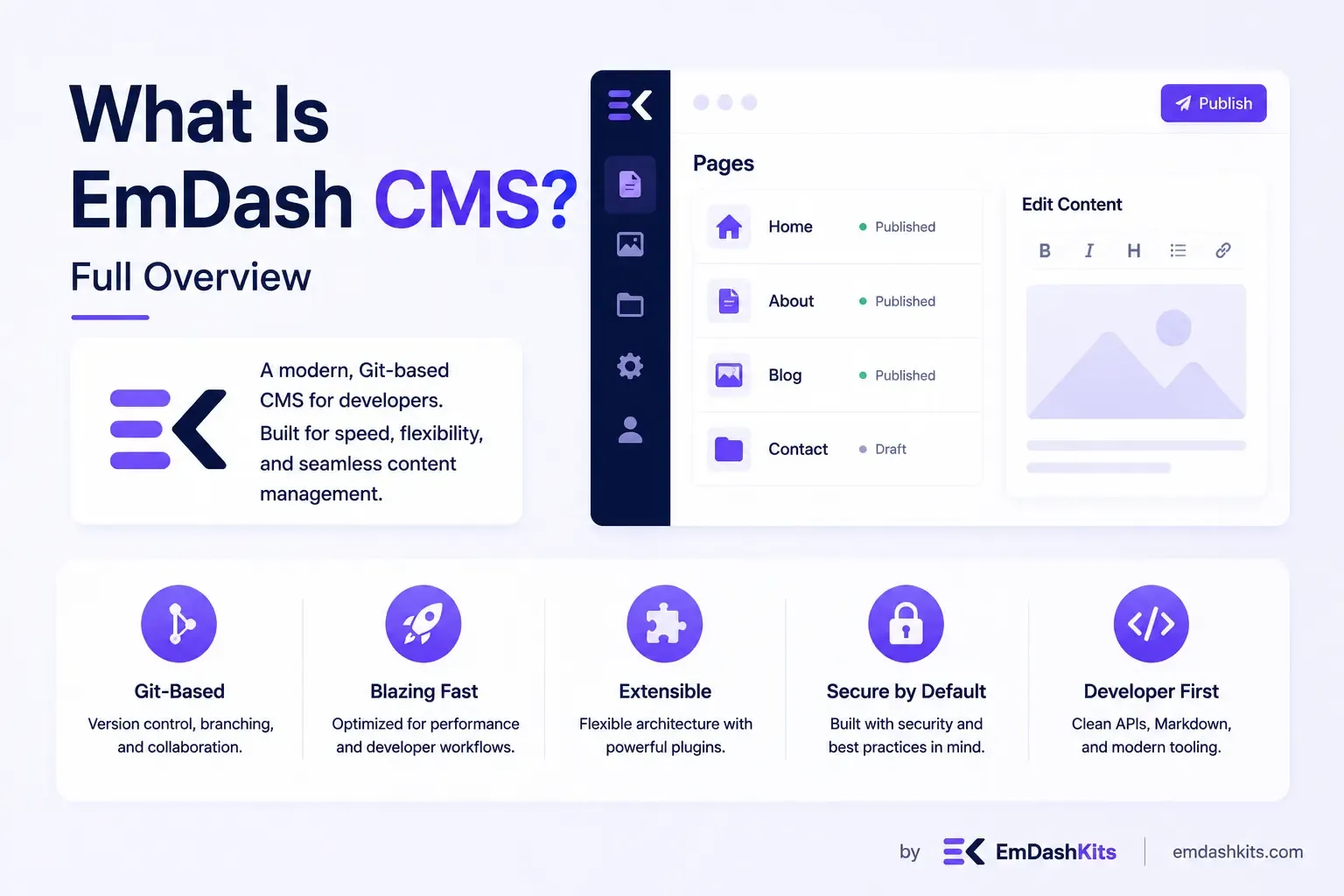
If you've been following web development news lately, you may have come across a new name making waves: EmDash. Launched by Cloudflare as an open-source content management system, EmDash has been described as the "spiritual successor to WordPress." But what exactly is EmDash CMS, how does it work, and is it worth paying attention to? This guide breaks down everything you need to know.
Table of Contents
What Is EmDash CMS?
EmDash is an open-source content management system built entirely in TypeScript on top of Astro, the popular web framework known for fast, content-focused websites. It was created by Cloudflare and positioned as a modern alternative to WordPress, aiming to bring the same ease of use and flexibility while fixing some of WordPress's most persistent problems, particularly around plugin security.
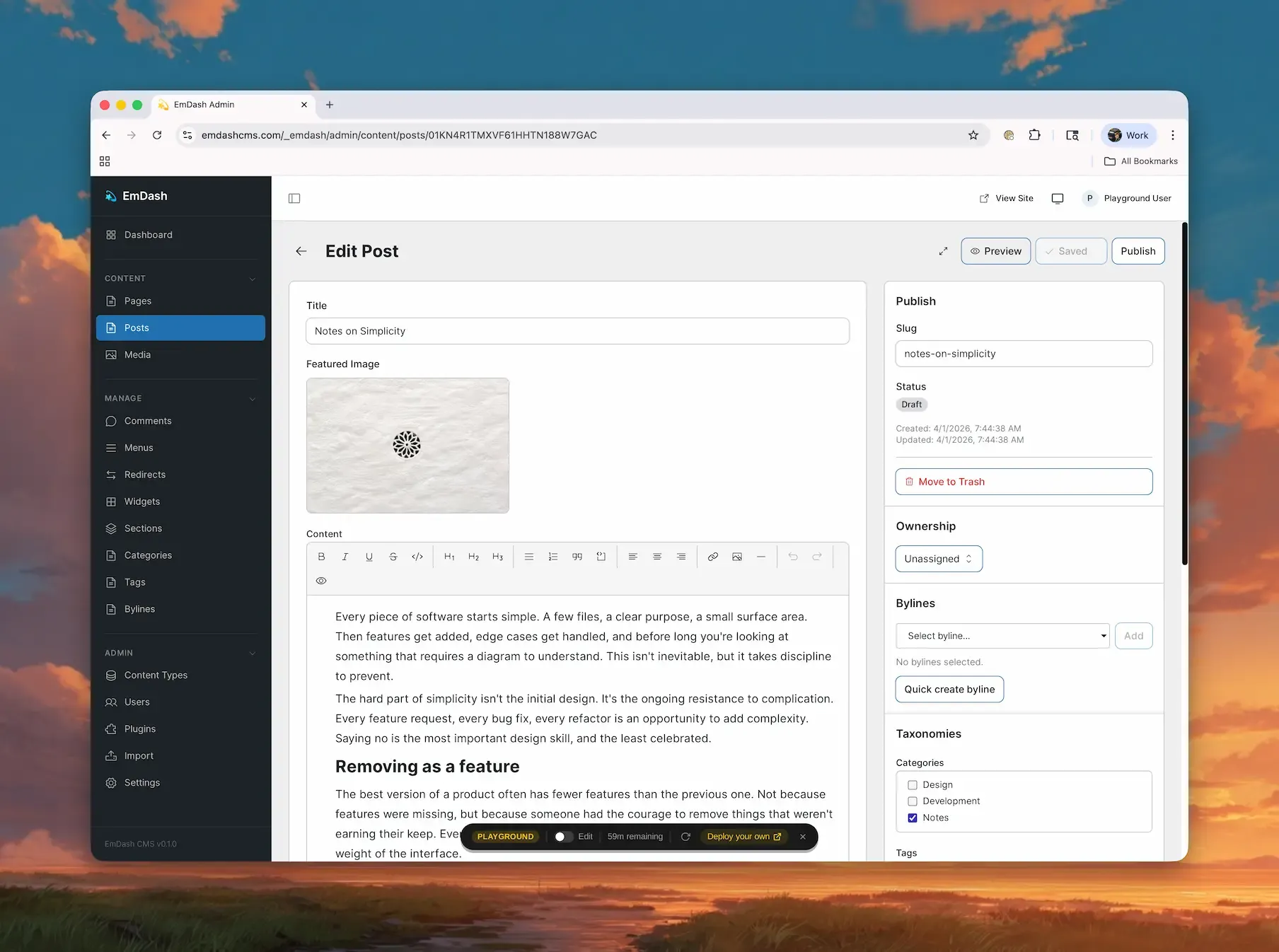
Unlike WordPress, which runs on PHP and has accumulated over two decades of legacy architecture, EmDash was built from scratch using current web development standards. It runs serverless, deploying to platforms like Cloudflare Workers, Netlify, or Vercel, and uses SQLite for local development with Cloudflare D1 for production databases.
How Is EmDash Different From WordPress?
EmDash shares a lot of conceptual DNA with WordPress: content types, an admin panel, plugins, themes, and media management. But it takes a fundamentally different approach to how those pieces work under the hood.
Structured Content, Not Raw HTML
Instead of storing content as HTML strings the way WordPress does, EmDash stores content as "portable text," structured JSON data. Each custom content type gets its own dedicated database table with typed columns, rather than everything being crammed into a handful of generic tables. This makes content easier to query, manipulate, and reason about programmatically.
A New Approach to Plugin Security
One of WordPress's biggest ongoing challenges has been plugin security. A large majority of WordPress vulnerabilities originate from its plugin ecosystem, largely because WordPress plugins have direct, unrestricted access to a site's database and filesystem once installed.
EmDash addresses this by running plugins inside sandboxed, isolated worker environments. Each plugin has to explicitly declare what permissions it needs, such as read access to content or the ability to send emails, similar to how modern OAuth permissions work. A plugin can only do what it's been explicitly granted access to do, significantly reducing the risk that a single vulnerable plugin could compromise an entire site.
Astro-Powered Frontend
Where WordPress relies on PHP templates and the often-unwieldy functions.php file, EmDash uses Astro for its frontend layer. Developers familiar with modern JavaScript frameworks will feel at home, and the architecture eliminates the kind of unrestricted, catch-all execution environment that made WordPress themes a security concern in their own right.
EmDash's AI-Native Design
Perhaps the most distinctive feature of EmDash is that it was designed from the ground up with AI agents in mind, not as an afterthought, but as a first-class part of the system.
Every EmDash installation ships with a built-in Model Context Protocol (MCP) server, allowing AI tools like Claude or other MCP-aware agents to directly create content types, manage entries, configure plugins, and even handle deployment, all programmatically. There's also a CLI that outputs structured JSON, and documentation specifically written to be easily parsed by AI systems.
This means tasks that are traditionally tedious in other CMS platforms, like migrating content, renaming fields, or restructuring taxonomies, can be delegated directly to an AI agent instead of requiring custom one-off scripts or manual admin work.
EmDash also supports x402, an emerging standard for HTTP-native micropayments. In practice, this allows site owners to configure paywalled content that AI agents or other automated systems can pay for and access on demand, without needing traditional subscription infrastructure.
Key Features of EmDash CMS
Here's a quick rundown of what EmDash offers out of the box:
- Custom content types: Created directly through the admin UI, each backed by a real SQL table with typed columns.
- Rich text editing: Powered by TipTap, with content stored as portable text rather than raw HTML.
- Drafts, revisions, and scheduling: Standard editorial workflow tools familiar to WordPress users.
- Full-text search: Built-in search functionality powered by SQLite's FTS5.
- Taxonomies and menus: Tools for organizing and structuring site navigation and categorization.
- Live, inline visual editing: Edit content directly on the live frontend rather than through a disconnected admin panel.
- Sandboxed plugin system: A capability-based permission model for safer third-party extensions.
- MCP server and JSON CLI: Built specifically for programmatic and AI-agent interaction.
Is EmDash Ready to Replace WordPress?
It's worth noting that EmDash is still very early in its lifecycle. While the core architecture is solid and the security model has drawn praise from developers, the ecosystem around EmDash, particularly its library of third-party themes and plugins, is nowhere near as mature as WordPress's, which still powers a significant share of the entire internet.
Industry reaction has been largely positive but measured. Commentators have praised the security architecture and the AI-native design as genuinely innovative, with some suggesting it could be particularly compelling for teams focused on generative engine optimization, given how well-suited its structured content model is for AI systems to read and interact with. At the same time, some have pointed out rough edges in the admin interface and noted that certain design choices, like its use of TinyMCE as the default editor, feel like a step backward compared to more modern editing experiences.
For now, EmDash appears best suited to teams who are already frustrated with WordPress's plugin security model, developers comfortable working in a TypeScript and Astro environment, or organizations exploring AI-driven content workflows. Businesses that primarily need a massive existing library of themes and plugins, or the comfort of a long, proven production track record, may want to treat EmDash as a platform to watch rather than adopt immediately.
Final Thoughts
EmDash represents a genuinely fresh take on content management, rethinking how a CMS should work in a world increasingly shaped by AI agents and modern serverless infrastructure. Its structured content model, sandboxed plugin security, and built-in AI-agent support set it apart from most existing CMS platforms, including WordPress itself.
That said, as with any new platform, it's still finding its footing. If you're evaluating EmDash for your own project, the best next step is to explore its public repository or try its live playground firsthand to see whether its approach fits the way your team builds and manages content.




Comments