Best CMS for Agencies Managing Multiple Client Sites

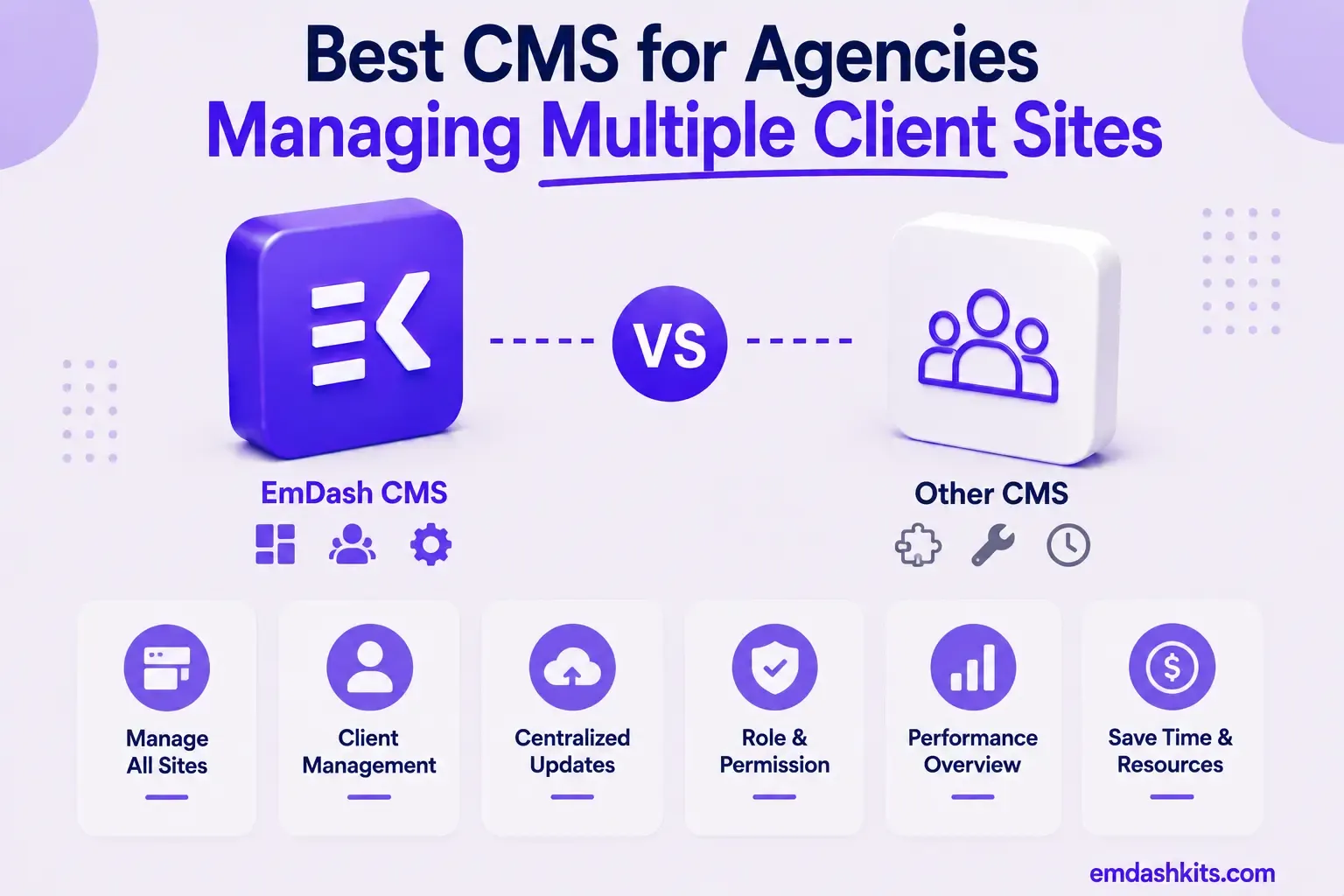
An agency evaluating a CMS is answering a different question than a single business is. It's not "does this work for my site" — it's "does this stay manageable, profitable, and low-friction across dozens of client sites, each with its own editors, permissions, and quirks." This guide rounds up the platforms that actually solve that specific problem, and what each one assumes about how your agency operates.
Table of Contents
- What Actually Matters at Agency Scale
- The Platforms, by Agency Model
- Craft CMS — Best for Per-Project, Predictable Licensing
- Statamic — Best for Laravel Agencies Wanting Git-Native Deployment
- Webiny — Best for True Multi-Tenancy on One Deployment
- Payload CMS — Best for Built-In Multi-Tenancy Without Add-On Costs
- WordPress — Best for the Largest Client-Editor Talent Pool
- EmDash CMS — Best for Agencies Prioritizing Plugin Security Across Client Sites
- How to Actually Choose
- Frequently Asked Questions
- Is multi-tenancy actually necessary for a small agency?
- What's the real cost difference between per-project licensing and multi-tenancy?
- Which platform is easiest for client-side editors to learn?
- Should an agency worry about plugin security across client sites?
- The Bottom Line
- Sources
What Actually Matters at Agency Scale
The factors that matter most for agency CMS selection include client editor training time, white-label options to hide or customize the CMS branding, and multi-site management capabilities. With true multi-tenancy, each tenant is fully isolated with its own content, assets, users, permissions, workflows, and settings, and tenants can be created and managed programmatically via API.
That's the real dividing line in this category: platforms with genuine multi-tenancy (one deployment, many isolated client instances) versus platforms priced and licensed per project, where each client site is its own separate installation. Neither approach is wrong — they optimize for different agency models, and the right one depends on whether you want centralized infrastructure or bounded, per-project cost predictability.
The Platforms, by Agency Model
Craft CMS — Best for Per-Project, Predictable Licensing
Craft's perpetual, per-project license model (Team at $279, Pro at $399, each a one-time cost plus optional annual renewal) gives agencies a clean, bounded cost per client site — no recurring subscription stacking as your client roster grows. Best for agencies that prefer separate, isolated installations with predictable per-project economics. Full comparison: EmDash CMS vs Craft CMS.
Statamic — Best for Laravel Agencies Wanting Git-Native Deployment
Statamic shares Craft's one-time-license philosophy while adding flat-file, Git-native content — deployments are Git pushes, rollbacks are Git reverts, which agencies managing many client repos often find operationally simpler than database migrations across dozens of sites. Full comparison: EmDash CMS vs Statamic.
Webiny — Best for True Multi-Tenancy on One Deployment
Webiny is built around genuine multi-tenancy — running many fully isolated client projects from a single instance, with tenants created and managed programmatically via API. The trade-off worth knowing: Webiny only runs on AWS, with no support for other clouds or on-premises hosting. Full comparison: EmDash CMS vs Webiny.
Payload CMS — Best for Built-In Multi-Tenancy Without Add-On Costs
Payload offers multi-tenancy as a core, no-cost capability — adding and managing tenants without arbitrary limitations or paid add-ons, a genuine advantage over platforms that gate multi-tenancy behind an enterprise tier. Best for agencies already on, or open to, Next.js. Full comparison: EmDash CMS vs Payload CMS.
WordPress — Best for the Largest Client-Editor Talent Pool
WordPress's biggest agency advantage isn't a feature — it's familiarity. Nearly every client-side marketer or in-house editor has touched WordPress before, which meaningfully cuts client-editor training time, one of the criteria that matters most at agency scale. Full comparison: EmDash CMS vs WordPress.
EmDash CMS — Best for Agencies Prioritizing Plugin Security Across Client Sites
EmDash doesn't offer built-in multi-tenancy today, so each client site is its own self-hosted deployment — closer to Craft's model than Webiny's. Its advantage for agencies specifically is sandboxed, permission-scoped plugins: if you're installing third-party extensions across many client sites you don't personally audit line-by-line, that isolation reduces the blast radius of a single bad plugin across your whole client roster. Full comparison: EmDash CMS vs WordPress.
How to Actually Choose
- If you want bounded, predictable per-project cost with separate installations: Craft CMS or Statamic.
- If you want one deployment serving many fully isolated clients: Webiny or Payload.
- If minimizing client-editor training time matters most: WordPress.
- If plugin security across many client sites is your biggest risk concern: EmDash.
Frequently Asked Questions
Is multi-tenancy actually necessary for a small agency?
Not usually — multi-tenancy pays off once you're managing enough client sites that centralized infrastructure and tenant management save more time than they cost to set up. A smaller agency with a handful of clients is often better served by simpler, per-project installations like Craft or EmDash.
What's the real cost difference between per-project licensing and multi-tenancy?
Per-project licensing (Craft, Statamic) means a bounded, known cost per client site, but no shared infrastructure efficiency. Multi-tenancy (Webiny, Payload) centralizes infrastructure cost across all clients, but requires more upfront platform investment and, in Webiny's case, commits you to AWS specifically.
Which platform is easiest for client-side editors to learn?
WordPress, by a wide margin, simply due to familiarity — most people who've edited a website before have used WordPress. Every other platform on this list has some learning curve for a client's in-house team, which is a real, recurring cost across every project.
Should an agency worry about plugin security across client sites?
Yes, more than a single-site owner should — a compromised plugin on one client site can be a reputational and liability issue across your whole client roster, not just one project. This is where EmDash's sandboxed plugin model offers a structural advantage worth weighing against WordPress's ecosystem size.
The Bottom Line
There's no single best agency CMS — the right choice depends on whether your model favors bounded per-project cost (Craft, Statamic), centralized multi-tenant infrastructure (Webiny, Payload), the largest available editor talent pool (WordPress), or plugin-security isolation across many client sites (EmDash). See our broader roundup of the strongest WordPress alternatives across every use case for more context on this evaluation.




Comments