Best WordPress Alternatives in 2026 (Including EmDash CMS)

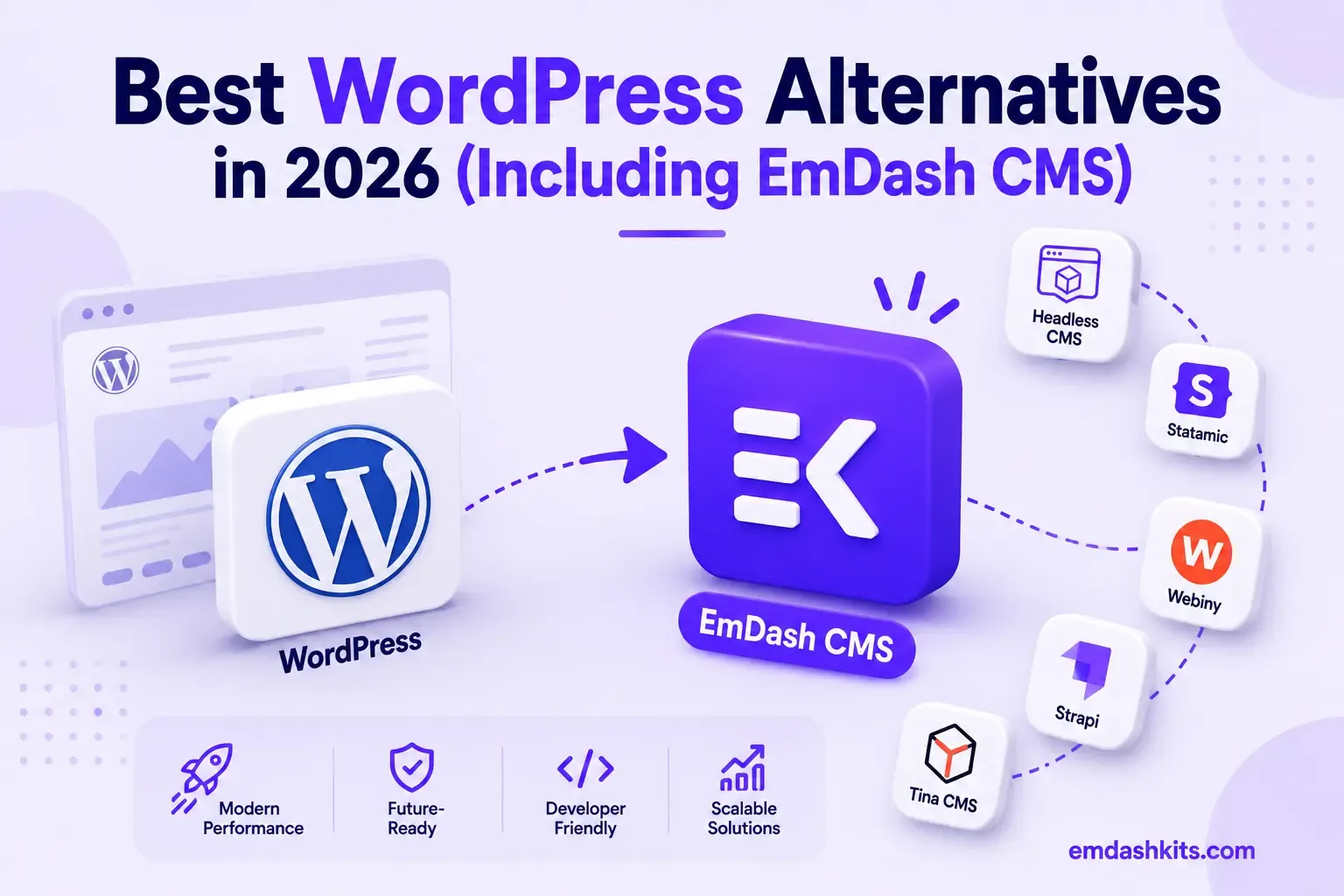
WordPress isn't going anywhere — it still powers roughly 42% of all websites and holds close to 60% of the CMS market. But 2026 marked its first sustained market-share decline in over two decades, and the reasons behind that shift are concrete, not vague dissatisfaction. This guide rounds up the strongest alternatives, organized by what each one actually solves, so you can match a platform to your real requirement instead of picking based on hype.
Table of Contents
- Why Teams Are Actually Leaving
- The Alternatives, Organized by What They Solve
- EmDash CMS — Best for Structured Content and Plugin Security
- Ghost — Best for Newsletters and Paid Membership
- Webflow — Best for Design-Led Teams Without Developers
- Squarespace — Best for Solo Founders and Small Businesses
- Wix — Best for the Fastest Possible Launch
- Strapi — Best Open-Source, Framework-Agnostic Headless API
- Craft CMS — Best for Agencies (One-Time License, Not a Subscription)
- Statamic — Best for Laravel Teams Wanting Git-Native Content
- Drupal — Best for Complex, High-Security Enterprise Sites
- Joomla — Best If You're Already Invested in It
- How to Actually Choose
- Frequently Asked Questions
- Is WordPress actually declining, or is this overstated?
- Do I need to fully migrate, or can I run WordPress alongside an alternative?
- Which alternative is most similar to WordPress to switch to?
- Is any of these alternatives actually more secure than WordPress by default?
- The Bottom Line
- Sources
Why Teams Are Actually Leaving
WordPress accounted for 96% of all CMS-related vulnerability disclosures in a recent year, with 91% originating from plugins. WordPress sites face approximately 90,000 attacks per minute, and 97% of WordPress security vulnerabilities originate in plugins and themes rather than core software.
That's the single biggest driver behind this whole category of "WordPress alternative" searches: the same 60,000+ plugin ecosystem that makes WordPress so flexible is also where nearly all of its security problems come from, because plugins get unrestricted access to a site's database and filesystem once installed. The alternatives below solve that problem — and others, like performance and content structure — in genuinely different ways. There's no single "best" one; there's a best one for your specific situation.
The Alternatives, Organized by What They Solve
EmDash CMS — Best for Structured Content and Plugin Security
EmDash is an open-source CMS built by Cloudflare, positioned as a structural successor to WordPress rather than a clone. It stores content as structured JSON instead of raw HTML, and runs plugins in sandboxed, permission-scoped environments — directly addressing the plugin-security problem above at the architecture level rather than through marketplace review alone. It also ships a built-in AI-native layer (an MCP server) for programmatic content management. Best for teams that want WordPress's content-type flexibility with a fundamentally different security model. Full comparison: EmDash CMS vs WordPress.
Ghost — Best for Newsletters and Paid Membership
Ghost is open-source with native, zero-fee newsletter and membership monetization built directly into the publishing flow — no separate email platform needed. Best for independent writers and media businesses whose core business model is subscriber revenue. Full comparison: EmDash CMS vs Ghost.
Webflow — Best for Design-Led Teams Without Developers
Webflow's visual, drag-and-drop canvas lets designers build production-quality, responsive sites without writing code, with a CMS layered on top that's grown capable enough to handle real content volume. Best for teams that are design-led first, content-structured second. Full comparison: EmDash CMS vs Webflow.
Squarespace — Best for Solo Founders and Small Businesses
Squarespace is a genuine all-in-one website builder — design, hosting, and content bundled into one predictable monthly price, built for speed and simplicity rather than structured content or API access. Best for a portfolio, small business, or campaign site that needs to launch this week. Full comparison: EmDash CMS vs Squarespace.
Wix — Best for the Fastest Possible Launch
Wix's ADI builder gets a professional-looking site live with no developer and no code, bundled with hosting and business tools. Its documented trade-off is a lower performance ceiling and limited backend/API access as sites grow. Best for a business that needs to be live today. Full comparison: EmDash CMS vs Wix.
Strapi — Best Open-Source, Framework-Agnostic Headless API
Strapi is free, open-source, and self-hosted, auto-generating REST and GraphQL APIs from content types defined in its admin panel — genuinely framework-agnostic, unlike EmDash's Astro-specific integration. Best for teams that need a headless API serving more than one front-end framework. Full comparison: EmDash CMS vs Strapi.
Craft CMS — Best for Agencies (One-Time License, Not a Subscription)
Craft sells perpetual, per-project licenses instead of recurring subscriptions — genuinely attractive for agencies building many client sites, each a predictable, bounded cost. Built on a single-language PHP/Twig stack. Full comparison: EmDash CMS vs Craft CMS.
Statamic — Best for Laravel Teams Wanting Git-Native Content
Statamic stores content in flat files by default, so deployments are Git pushes and rollbacks are Git reverts, with an optional database for scale. Built on Laravel, with the same one-time-license pricing philosophy as Craft. Full comparison: EmDash CMS vs Statamic.
Drupal — Best for Complex, High-Security Enterprise Sites
Drupal's overall CMS market share has fallen sharply, but among the top 10,000 highest-traffic sites it still powers 7.2% — a dedicated security team and two decades of hardening make it the standard choice for governments and universities. Best for large organizations with genuine security and compliance requirements. Full comparison: EmDash CMS vs Drupal.
Joomla — Best If You're Already Invested in It
Joomla's market share has declined 80% since 2014, but that reflects the broader market shifting toward website builders and headless platforms, not the software getting worse. Best for an existing, stable Joomla site with no urgent reason to migrate. Full comparison: EmDash CMS vs Joomla.
How to Actually Choose
- If plugin security and structured content matter most, and you have development resources: EmDash or Strapi.
- If your business model is a newsletter or paid membership: Ghost.
- If you need to launch fast with no developer at all: Wix or Squarespace.
- If your team is design-led without dedicated engineers: Webflow.
- If you're an agency pricing per client project: Craft CMS or Statamic.
- If you're a large enterprise with real compliance requirements: Drupal.
Frequently Asked Questions
Is WordPress actually declining, or is this overstated?
Both things are true at once — WordPress still powers over 40% of the web and remains the largest single CMS by a wide margin, but 2026 marked its first sustained market-share decline in 20-plus years, driven by growth in website builders and headless platforms taking new projects that previously defaulted to WordPress.
Do I need to fully migrate, or can I run WordPress alongside an alternative?
Most teams migrate a specific property (a blog, a marketing site) rather than an entire organization's web presence at once. It's reasonable to run WordPress for legacy properties while choosing a different platform for new projects.
Which alternative is most similar to WordPress to switch to?
EmDash is explicitly positioned as WordPress's structural successor — similar content-type and plugin concepts, but with a fundamentally different security architecture and structured-content model. It's usually the most conceptually familiar starting point for a WordPress team evaluating alternatives.
Is any of these alternatives actually more secure than WordPress by default?
Platforms that don't rely on a large, loosely-vetted plugin ecosystem — EmDash's sandboxed plugins, Ghost's smaller integration surface, fully managed SaaS platforms like Wix and Squarespace — all reduce the specific attack surface that drives the bulk of WordPress's vulnerability disclosures. The improvement comes from architecture, not just "being newer."
The Bottom Line
There's no single best WordPress alternative in 2026 — there's a best one for your specific mix of team skills, content complexity, and budget. Start from the actual problem you're solving (security, performance, monetization, design speed, compliance) rather than the platform's popularity, and the shortlist above should narrow quickly. For a deeper look at the architectural shift driving all of this, see why businesses are switching to headless CMS in 2026 and the full history of CMS from WordPress to headless.




Comments