History of CMS: From WordPress to Headless

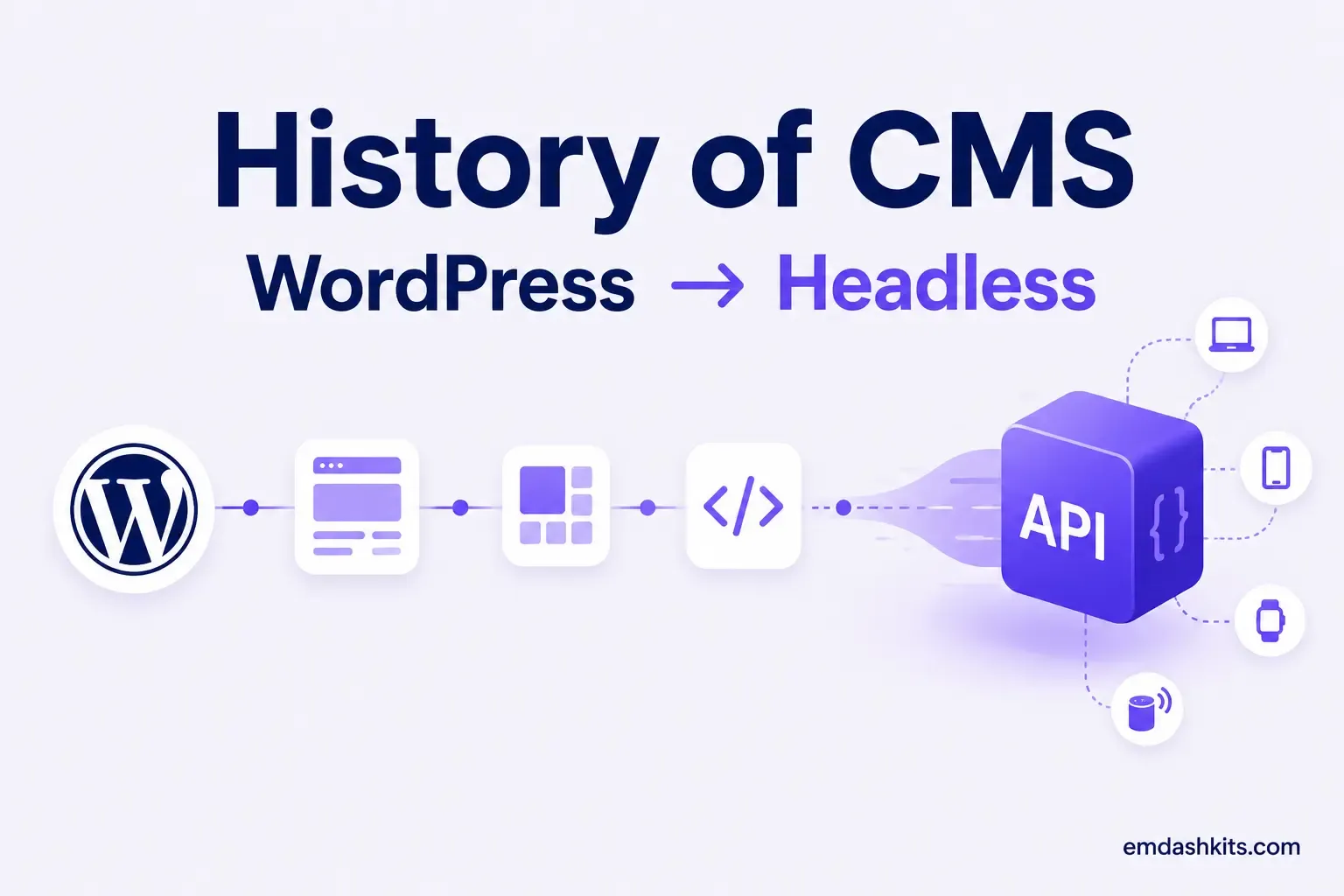
History of CMS: From WordPress to Headless

It's easy to talk about headless CMS as if it's a recent invention, but the underlying idea — separating content from its presentation — is older than the web itself. Understanding where content management actually came from makes it much easier to see why headless architecture won, and why the pendulum is now swinging toward AI-native platforms next.

Table of Contents
  1. Before the Web: Structured Content in the 1970s–80s
  2. The Birth of the Web CMS: 1989–1999
  3. The Open Source Era: Early 2000s
  4. WordPress's Long Reign
  5. The Mobile Problem and the Rise of Headless
  6. JAMstack and the Static-First Moment
  7. MACH and Composable Architecture: Late 2010s Onward
  8. 2026: The AI-Native Era
  9. The Throughline

Before the Web: Structured Content in the 1970s–80s

The core idea behind every modern CMS — content as structured data, separate from how it's displayed — traces back to IBM's development of SGML (Standard Generalized Markup Language). SGML let large organizations, publishers especially, tag content by meaning rather than formatting, decades before there was a browser to render it in.

The Birth of the Web CMS: 1989–1999

Tim Berners-Lee's 1989 proposal for HTML and the first web browser and server created the medium content management would eventually manage. But for years after that, most sites were hand-coded HTML files. The shift toward dedicated content management software came in the mid-1990s: Vignette launched in 1995 and is widely credited with popularizing the term "content management system," followed quickly by enterprise players like Interwoven, Documentum, and FutureTense.

These early systems were built for large publishers and enterprises with the budget for custom enterprise software — not yet for a small business or a personal blog.

Read also:

The Open Source Era: Early 2000s

That changed fast. OpenCMS, PHP-Nuke, Mambo, Drupal, and Joomla all launched as free, open-source alternatives to the expensive enterprise platforms. WordPress arrived in 2003, originally as a blogging tool, alongside Squarespace the same year. What started as a way to publish a personal blog without touching HTML became, over the following two decades, the dominant way small businesses and publishers built their entire web presence.

WordPress's Long Reign

WordPress's growth over the 2010s was extraordinary — at its peak in 2025 it powered more than 43% of all websites and held over 60% of the CMS market. Its plugin ecosystem, with tens of thousands of free extensions, became both its greatest strength and its most persistent liability: a large share of WordPress security incidents have historically originated in third-party plugins rather than WordPress core itself, a tradeoff that's shaped a lot of the more recent movement toward alternative architectures.

The Mobile Problem and the Rise of Headless

The next inflection point wasn't really about the CMS at all — it was about everything else that needed content. As mobile apps, then IoT devices and wearables, became channels businesses needed to publish to, the traditional model of a CMS that renders its own HTML pages stopped being enough. A blog post needed to reach a website, an app, and potentially a smart display, from one source of truth.

A headless CMS solved this by decoupling the backend entirely — content lives behind an API, and any front end, on any channel, can pull it in. Existing web CMS and digital experience platform vendors responded by bolting content APIs onto their existing products; a new generation of API-first vendors (Contentful, Sanity, Strapi, Contentstack) built the API-first approach in from the start instead of retrofitting it. Our guide on the difference between CMS and headless CMS covers that distinction in more depth.

JAMstack and the Static-First Moment

Alongside headless CMS adoption, the JAMstack movement (JavaScript, APIs, Markup) pushed a related but distinct idea: pre-build as much of the site as possible into static files instead of rendering on every request. See our JAMstack CMS guide for how that model fits alongside headless architecture rather than replacing it.

MACH and Composable Architecture: Late 2010s Onward

As headless adoption matured, a more complete architectural philosophy formed around it: MACH (Microservices, API-first, Cloud-native, Headless), formalized by the MACH Alliance in 2020. This reframed headless not as an isolated feature but as one pillar of a broader shift toward composable, best-of-breed architecture — assembling a stack from interchangeable specialized services instead of one do-everything platform.

2026: The AI-Native Era

The current inflection point is AI. Structured content and API-first design are exactly what let AI agents create, restructure, and personalize content programmatically — something no CMS built around raw HTML templates was ever designed to support. Platforms are increasingly being built AI-native from the ground up, the same way the first headless platforms were built API-first from the ground up rather than retrofitted. For a closer look at what's actually pulling businesses toward this next generation of platforms, see why businesses are switching to headless CMS in 2026.

The Throughline

Every major shift in CMS history has followed the same pattern: content outgrows whatever is currently managing it, and the market responds by separating a piece of the system to solve that specific bottleneck. SGML separated content from formatting. Early CMS software separated publishing from hand-coded HTML. Headless separated content from a single front end. AI-native platforms are separating content from a single human editor typing into a form. It's the same story, one layer at a time.


Share

Comments

Write a comment

Related Articles

Login Works in Production but Fails on localhost: The secure Cookie Flag Gotcha

July 16, 2026

Login Works in Production but Fails on localhost: The secure Cookie Flag Gotcha

Google Analytics (GA4) Not Tracking Anything and No Console Errors: Check Your CSP First

July 16, 2026

Google Analytics (GA4) Not Tracking Anything and No Console Errors: Check Your CSP First

Native Module Build Fails on Shared Hosting (node-gyp, Old glibc/Python): The .npmrc Fix

July 16, 2026

Native Module Build Fails on Shared Hosting (node-gyp, Old glibc/Python): The .npmrc Fix

Login Works in Production but Fails on localhost: The secure Cookie Flag Gotcha

Login Works in Production but Fails on localhost: The secure Cookie Flag Gotcha

TL;DR — A custom session-cookie login flow appeared to succeed on localhost (the OTP verified, the response looked fine) but every subsequent request to a login-gated page treated the visitor as logged out. Identical code worked fine on the live HTTPS site. The cookie's Secure attribute was hardcoded to true — and per the cookie spec, browsers never store or send a Secure cookie over a plain, non-HTTPS connection.

Table of Contents
  1. Diagnostic
  2. Root cause
  3. Fix
  4. Lessons learned

Diagnostic

Check the actual Set-Cookie response header and the browser's own cookie storage panel — on localhost over http://, the cookie is sent by the server but never actually stored by the browser.

Root cause

// before -- assumes the app is always served over HTTPS
setCookie("session", token, { secure: true, httpOnly: true });
emdashkits.com

A cookie config that quietly assumes "we're always on HTTPS" breaks the instant you test over plain HTTP, which local dev servers commonly are.

Read also:

Fix

// after -- derive secure from the actual request protocol
const isHttps = request.url.startsWith("https://");
setCookie("session", token, { secure: isHttps, httpOnly: true });
emdashkits.com

Lessons learned

  • Any Secure-flagged cookie needs to key off the real request scheme, not an assumption baked in once at cookie-creation time.
  • "Works in production, silently fails in local dev" is a strong signal to check cookie flags before anything else in an auth flow.
  • Check other cookies in the same codebase for the same hardcoded assumption — if one cookie has this bug, sibling cookies set the same way are worth auditing too.
Share
Previous Article

Google Analytics (GA4) Not Tracking Anything and No Console Errors: Check Your CSP First

Comments

Write a comment

Related Articles

Google Analytics (GA4) Not Tracking Anything and No Console Errors: Check Your CSP First

July 16, 2026

Google Analytics (GA4) Not Tracking Anything and No Console Errors: Check Your CSP First

Native Module Build Fails on Shared Hosting (node-gyp, Old glibc/Python): The .npmrc Fix

July 16, 2026

Native Module Build Fails on Shared Hosting (node-gyp, Old glibc/Python): The .npmrc Fix

Uploaded Images Disappear After Every Deploy on Shared Hosting (and Other Reverse-Proxy Gotchas)

July 16, 2026

Uploaded Images Disappear After Every Deploy on Shared Hosting (and Other Reverse-Proxy Gotchas)

Google Analytics (GA4) Not Tracking Anything and No Console Errors: Check Your CSP First

Google Analytics (GA4) Not Tracking Anything and No Console Errors: Check Your CSP First

TL;DR — GA4's gtag.js snippet was installed correctly, the page loaded with no visible JavaScript error, and GA4's real-time report still showed zero activity. The CMS's default Content-Security-Policy had no allowance for analytics domains and no config option to add one — so every request to Google's tracking endpoints was blocked at the browser level before it could fail loudly.

Table of Contents
  1. Diagnostic
  2. Root cause
  3. Lessons learned

Diagnostic

Check the browser's dedicated CSP violation reporting, not the regular console error list — CSP blocks are reported through their own channel, not thrown as normal script errors, so "no console errors" doesn't mean nothing was blocked.

Root cause

The CSP's script-src and connect-src directives had no entry for googletagmanager.com or google-analytics.com, and the CMS exposed no configuration surface to add one — the only way in was patching the CSP directives directly.

// patch-package: add analytics domains to the existing CSP directives
scriptSrc.push("https://www.googletagmanager.com");
connectSrc.push("https://www.google-analytics.com", "https://www.googletagmanager.com");
emdashkits.com
Read also:

Lessons learned

  • "No console errors" is not proof nothing was blocked — CSP violations live in their own reporting surface and are easy to miss if you're only scanning for red error text.
  • Before adding any third-party script tag to a site with a CSP already in place, check the CSP's directives first rather than assuming a silently-empty analytics dashboard means a snippet-installation mistake.
Share
Previous Article

Native Module Build Fails on Shared Hosting (node-gyp, Old glibc/Python): The .npmrc Fix

Next Article

Login Works in Production but Fails on localhost: The secure Cookie Flag Gotcha

Comments

Write a comment

Related Articles

Login Works in Production but Fails on localhost: The secure Cookie Flag Gotcha

July 16, 2026

Login Works in Production but Fails on localhost: The secure Cookie Flag Gotcha

Native Module Build Fails on Shared Hosting (node-gyp, Old glibc/Python): The .npmrc Fix

July 16, 2026

Native Module Build Fails on Shared Hosting (node-gyp, Old glibc/Python): The .npmrc Fix

Uploaded Images Disappear After Every Deploy on Shared Hosting (and Other Reverse-Proxy Gotchas)

July 16, 2026

Uploaded Images Disappear After Every Deploy on Shared Hosting (and Other Reverse-Proxy Gotchas)

