Best CMS for Nonprofits

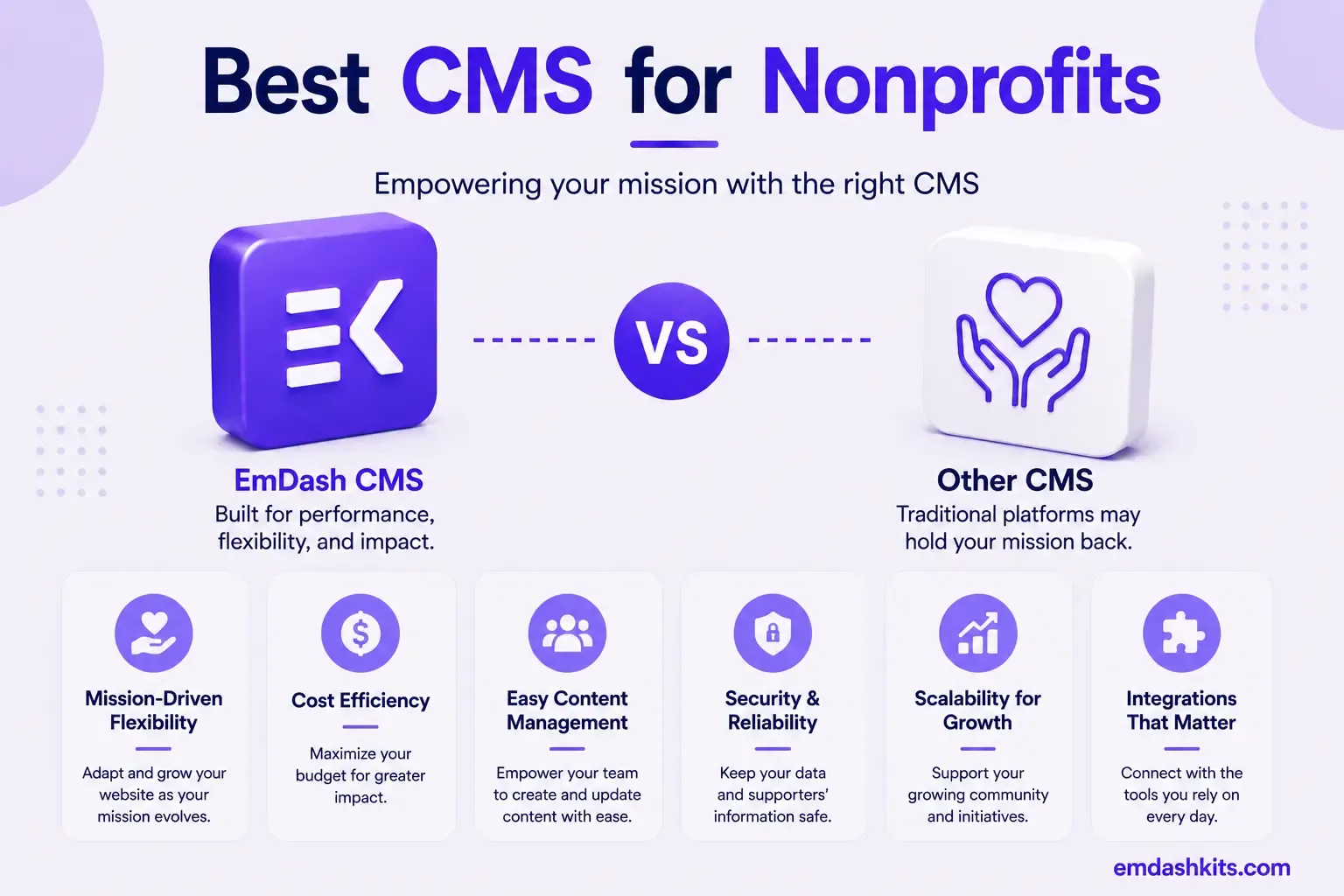
Nonprofit CMS selection has a constraint most other categories don't weigh as heavily: budget. Every dollar spent on software is a dollar not spent on mission work, which is why donation-plugin cost, hosting discounts, and total cost of ownership matter as much as features. This guide compares the platforms that actually serve that reality well.
Table of Contents
- The Nonprofit-Specific Discount Landscape
- The Platforms, by Nonprofit Need
- WordPress — Best for Maximum Flexibility and Zero-Fee Donations
- Squarespace — Best for Mission-Driven Design Without Technical Overhead
- Wix — Best for the Steepest Available Nonprofit Discount
- NationBuilder or Morweb — Best for Organizing-Specific or All-in-One Nonprofit Needs
- EmDash CMS — Best for a Technically-Staffed Nonprofit Wanting Structured Content and Plugin Security
- How to Actually Choose
- Frequently Asked Questions
- Does every nonprofit qualify for TechSoup discounts?
- Is GiveWP actually free, or are there hidden fees?
- Should a small nonprofit use a specialized platform like NationBuilder instead of WordPress?
- Is EmDash a realistic choice for most nonprofits?
- The Bottom Line
- Sources
The Nonprofit-Specific Discount Landscape
All TechSoup account holders have access to donations and discounts of up to 90% on software, hardware, and digital services for qualified nonprofits — Wix, for instance, partners with TechSoup to offer a 70% discounted rate for a 2-year Wix Premium plan. WordPress powers 43.2% of all websites worldwide, and most nonprofits choose WordPress.org for unrestricted plugin access, paired with GiveWP's free donation plugin to accept one-time and recurring gifts through Stripe or PayPal with no platform transaction fees.
That combination — TechSoup's steep discounts across multiple platforms, plus WordPress's genuinely free, no-transaction-fee donation tooling via GiveWP — means budget shouldn't be the deciding factor between most of these platforms; it should be a real discount to apply to whichever platform actually fits your organization's needs. The bigger question is usually staff technical capacity and whether you need specialized nonprofit features (donor CRM, volunteer management, event tools) built in versus bolted on.
The Platforms, by Nonprofit Need
WordPress — Best for Maximum Flexibility and Zero-Fee Donations
WordPress's combination of massive market share, unrestricted plugin access, and GiveWP's free, no-transaction-fee donation processing makes it the most commonly chosen nonprofit platform for good reason — genuinely low direct cost, with the trade-off of needing more hands-on management than a fully managed platform. Full comparison: EmDash CMS vs WordPress.
Squarespace — Best for Mission-Driven Design Without Technical Overhead
Squarespace offers templates specifically designed for mission-driven organizations, with built-in donation blocks, event hosting tools, branded newsletters, and custom forms — genuinely useful nonprofit-specific features without WordPress's plugin-management overhead. Full comparison: EmDash CMS vs Squarespace.
Wix — Best for the Steepest Available Nonprofit Discount
Wix's direct TechSoup partnership (70% off a 2-year Premium plan) makes it one of the most budget-friendly managed options for a qualified nonprofit specifically, combined with its genuinely easy no-code builder. Full comparison: EmDash CMS vs Wix.
NationBuilder or Morweb — Best for Organizing-Specific or All-in-One Nonprofit Needs
Purpose-built nonprofit platforms like NationBuilder (combining a website, supporter database, email/SMS outreach, event management, and donation processing in one system) or Morweb (an all-in-one nonprofit-specific CMS) solve for organizations that want donor and volunteer management unified with their website, rather than stitched together from separate tools. Worth evaluating directly against WordPress-plus-plugins if your organization's core need is that unified operational layer, not just a website.
EmDash CMS — Best for a Technically-Staffed Nonprofit Wanting Structured Content and Plugin Security
EmDash doesn't have nonprofit-specific tooling (no built-in donation blocks, no donor CRM) — that's a real gap relative to WordPress-plus-GiveWP or Squarespace's mission-driven templates. Where it could fit is a larger nonprofit or foundation with in-house technical staff that wants structured, secure content management for programmatic/research-heavy content, integrating donation processing separately. Full comparison: EmDash CMS vs WordPress.
How to Actually Choose
- If you want maximum flexibility and zero-fee donation processing: WordPress with GiveWP.
- If you want mission-driven design without plugin management: Squarespace.
- If you want the steepest available discount and simplest builder: Wix (via TechSoup).
- If you need donor/volunteer management unified with your website: NationBuilder or Morweb.
- If you have technical staff and need structured content beyond a typical nonprofit site: EmDash.
Frequently Asked Questions
Does every nonprofit qualify for TechSoup discounts?
TechSoup has specific eligibility requirements (registered nonprofit status, among others) — worth checking directly with TechSoup, but most legitimate 501(c)(3) organizations and equivalents qualify for meaningful discounts across dozens of software and hosting partners.
Is GiveWP actually free, or are there hidden fees?
The core GiveWP plugin is free with no platform transaction fees — you still pay standard payment-processor fees (Stripe or PayPal's own percentage), which exist regardless of platform, but GiveWP itself doesn't add an additional cut on top.
Should a small nonprofit use a specialized platform like NationBuilder instead of WordPress?
Only if unified donor/volunteer/outreach management is a core operational need, not just a website — NationBuilder's pricing and complexity are built around that broader organizing use case, which is more than many smaller nonprofits actually need from their website alone.
Is EmDash a realistic choice for most nonprofits?
For most, no — it lacks the donation and nonprofit-specific tooling that WordPress, Squarespace, or purpose-built nonprofit platforms offer out of the box. It's a reasonable fit only for a nonprofit with real technical staff and a content need beyond what those platforms solve well.
The Bottom Line
For most nonprofits, WordPress with GiveWP or Squarespace's mission-driven templates deliver the best balance of low cost, real donation tooling, and manageable technical overhead — and TechSoup's discounts apply broadly enough that budget shouldn't be the deciding factor on its own. See our broader guide to the best CMS for small business websites for more on matching a platform to organizational capacity.




Comments