Best Headless CMS Platforms Compared (2026)

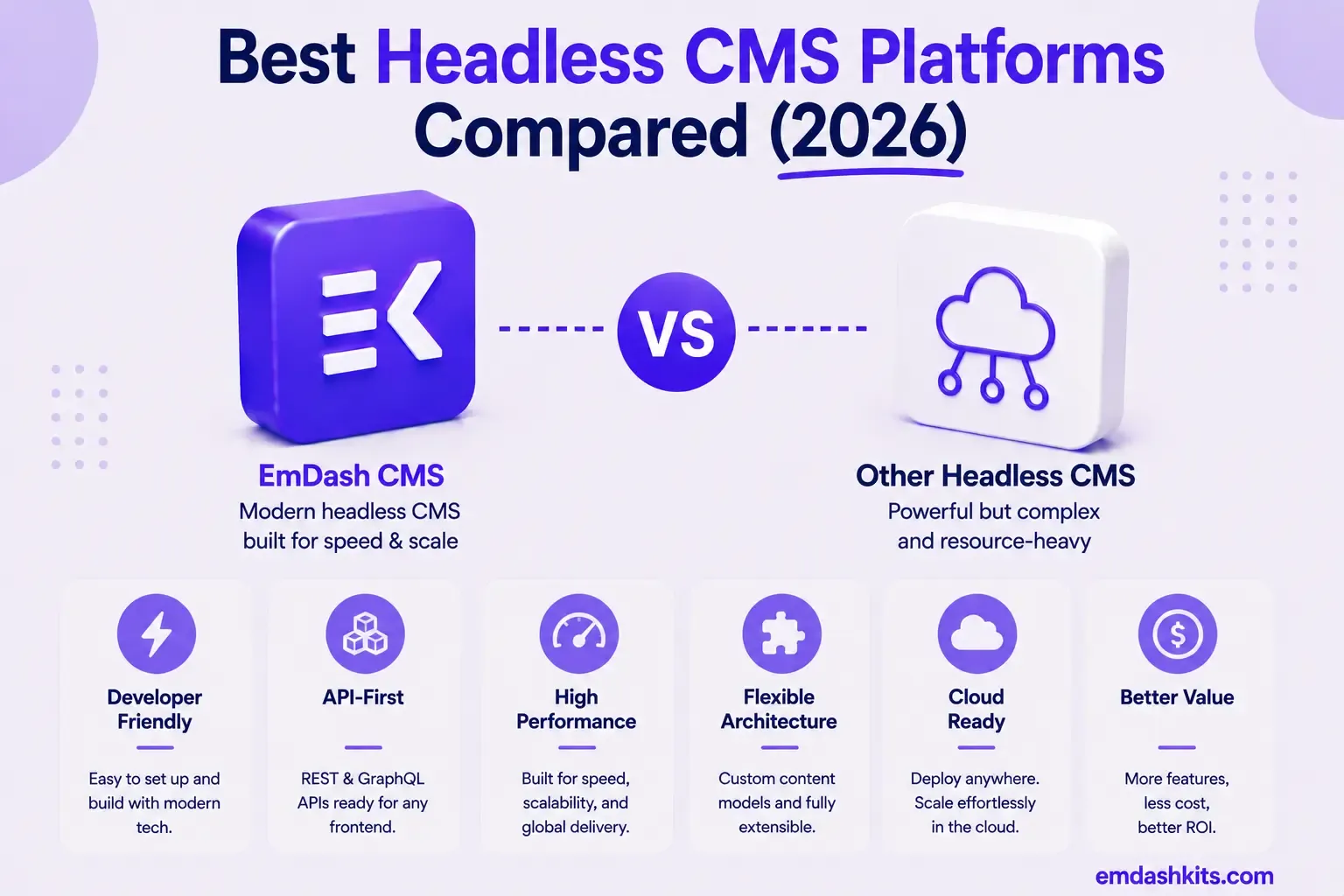
Headless CMS isn't a niche category anymore — it's projected to grow from roughly $3.94 billion in 2026 to $22.28 billion by 2034, at a compound annual growth rate over 21%. That growth has produced a genuinely crowded field, and "best headless CMS" doesn't have one answer — it has a different answer depending on your team, stack, and content complexity. This guide compares the platforms that consistently lead the category, organized around what each one is actually best at.
Table of Contents
- What Makes a Headless CMS 'Best' Depends on the Question
- The Platforms, by What They're Actually Best At
- EmDash CMS — Best for Structured Content with Sandboxed Plugin Security
- Sanity — Best for Real-Time Collaboration and Next.js Projects
- Contentful — Best for Global Enterprise Localization
- Strapi — Best Open-Source, Framework-Agnostic Option
- Storyblok — Best Visual, Marketer-Facing Editing on a Real Headless API
- Payload CMS — Best for Next.js-Native Development
- Hygraph — Best for Content Federation Across Multiple Systems
- Directus — Best Database-First Option
- How to Actually Choose
- Frequently Asked Questions
- Is there a single 'best' headless CMS for 2026?
- Should I choose a self-hosted or managed SaaS headless CMS?
- How big is the headless CMS market actually getting?
- Is a headless CMS overkill for a simple website?
- The Bottom Line
- Sources
What Makes a Headless CMS 'Best' Depends on the Question
According to G2's user-driven reports, the platforms that consistently lead the market are Sanity, Storyblok, Strapi, Contentful, and Kontent.ai. Sanity suits projects that need high customization and real-time collaboration — the top-rated headless CMS on G2 and the most-recommended platform for Next.js projects. Strapi dominates the open-source segment with the largest headless CMS community. Payload CMS is the top choice for Next.js teams.
Notice that even a single industry ranking splits leadership across five different platforms for five different reasons — there's no universal winner, only the platform best matched to a specific requirement. This guide is organized the same way: by what problem each platform actually solves best, not by an arbitrary overall ranking.
The Platforms, by What They're Actually Best At
EmDash CMS — Best for Structured Content with Sandboxed Plugin Security
EmDash is open-source, self-hosted, and free at every tier, with content stored as structured JSON and plugins running in sandboxed, permission-scoped environments — a security-first architecture built specifically as WordPress's structural successor. It ships a built-in MCP server for AI-native content management as a core feature, not an add-on. Best for teams that want real plugin extensibility without WordPress's security exposure. Full comparison: EmDash CMS vs WordPress.
Sanity — Best for Real-Time Collaboration and Next.js Projects
Sanity is the top-rated platform on G2 and the most-recommended CMS specifically for Next.js teams, with genuine real-time co-editing few competitors match. Its trade-offs are per-seat pricing that climbs with team size and a steep GROQ query-language learning curve. Full comparison: EmDash CMS vs Sanity.
Contentful — Best for Global Enterprise Localization
Contentful remains the industry standard for large enterprises needing robust localization and multi-channel content delivery, backed by a decade of enterprise deployment maturity. Its 2026 developments — a completed Salesforce acquisition and a 30% year-over-year enterprise price increase — are worth factoring into a long-term decision. Full comparison: EmDash CMS vs Contentful.
Strapi — Best Open-Source, Framework-Agnostic Option
Strapi dominates the open-source segment with the largest headless CMS community and genuine framework-agnostic flexibility — the same REST/GraphQL API serves any front end. Its well-documented trade-off is operational burden: version upgrades are widely described as painful, and maintenance represents the majority of its total cost of ownership. Full comparison: EmDash CMS vs Strapi.
Storyblok — Best Visual, Marketer-Facing Editing on a Real Headless API
Storyblok's WYSIWYG visual editor lets marketers drag, drop, and preview components live, on top of a genuine headless architecture underneath — a rare combination. Pricing has been the most frequently cited complaint historically, though 2026 changes aim to address scaling friction. Full comparison: EmDash CMS vs Storyblok.
Payload CMS — Best for Next.js-Native Development
Payload is widely cited as the top choice for Next.js teams specifically — it installs directly inside an existing /app folder, TypeScript-native throughout, MIT-licensed and free to self-host. Worth knowing: Payload was recently acquired by Figma, and its managed Cloud hosting signups are currently paused. Full comparison: EmDash CMS vs Payload CMS.
Hygraph — Best for Content Federation Across Multiple Systems
Hygraph occupies a specific, valuable niche: unifying content from multiple existing systems — regardless of whether they're GraphQL or REST — into one GraphQL API, without migrating the underlying data. Best for large enterprises consolidating legacy systems rather than starting fresh. Full comparison: EmDash CMS vs Hygraph.
Directus — Best Database-First Option
Directus takes a genuinely different starting assumption from every other platform on this list: point it at an existing SQL database and it becomes an instant API and admin UI, with your schema — not a proprietary content model — as the source of truth. Best for teams with existing data they don't want to migrate. Full comparison: EmDash CMS vs Directus.
How to Actually Choose
- If you're building on Next.js and want the deepest framework integration: Payload.
- If real-time collaborative editing is core to your workflow: Sanity.
- If you need enterprise-grade global localization: Contentful.
- If framework-agnostic, open-source flexibility matters most: Strapi.
- If marketers need visual, live-preview editing: Storyblok.
- If you're consolidating content from multiple existing systems: Hygraph.
- If you already have a database and don't want to remodel it: Directus.
- If sandboxed plugin security and an Astro-native stack matter most: EmDash.
Frequently Asked Questions
Is there a single 'best' headless CMS for 2026?
No — even industry rankings split leadership across multiple platforms depending on the specific criterion (collaboration, open-source flexibility, localization, visual editing). The right platform is the one that matches your specific technical stack and content workflow, not the one with the most G2 stars overall.
Should I choose a self-hosted or managed SaaS headless CMS?
Self-hosted (EmDash, Strapi, Payload, Directus) trades operational responsibility for lower long-term cost and full data ownership. Managed SaaS (Contentful, Sanity, Storyblok, Hygraph) trades recurring cost and less infrastructure control for zero operational burden. Neither is universally better — it depends on whether your team has, or wants, dedicated infrastructure capacity.
How big is the headless CMS market actually getting?
Substantial — projected to grow from roughly $3.94 billion in 2026 to $22.28 billion by 2034, a compound annual growth rate over 21%. That growth is a big part of why this category has so many credible, well-funded competitors rather than one dominant winner.
Is a headless CMS overkill for a simple website?
Often, yes — headless architecture pays off when you need to serve content to multiple front ends (web, mobile app, kiosk) or want strict separation between content and presentation. For a single, simple website, a traditional or hybrid CMS is frequently a simpler, faster path to launch.
The Bottom Line
The strongest headless CMS platforms in 2026 aren't competing on a single axis — Sanity wins on collaboration, Payload on Next.js integration, Hygraph on federation, Storyblok on visual editing, EmDash on plugin security and self-hosted ownership. Start from your actual technical requirement, not a generic "best of" ranking, and the right platform narrows quickly. See our full guide to what a headless CMS actually is if you're still deciding whether headless is the right architecture at all.




Comments