EmDash CMS vs HubSpot CMS: Which One Should You Choose?

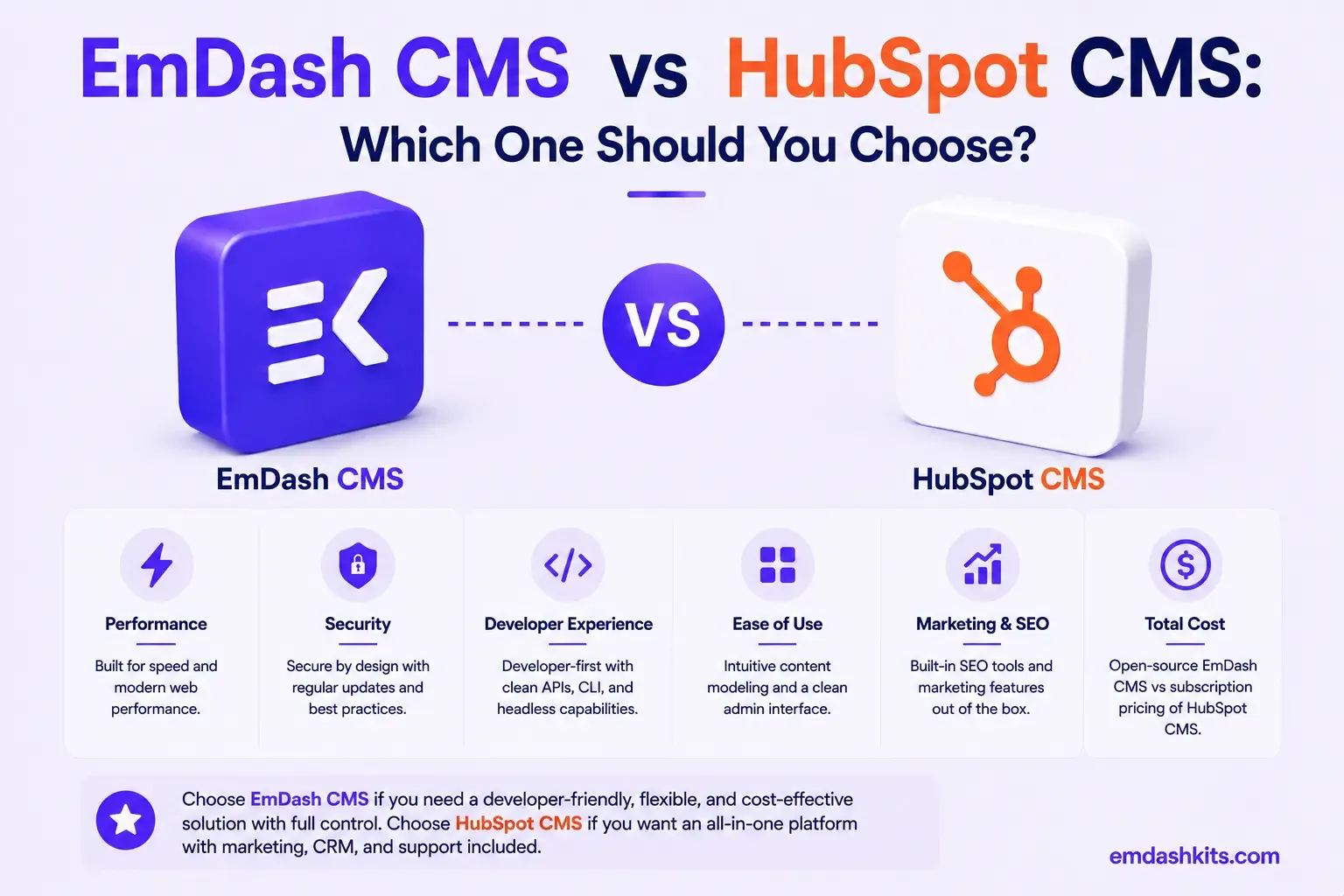
HubSpot CMS — now branded Content Hub — is a genuinely unusual entry in this comparison series because it's rarely evaluated as a standalone CMS decision. Most teams choosing it are already using, or planning to use, HubSpot's CRM and marketing tools, and Content Hub is one piece of a much larger platform. EmDash is a focused, self-hosted CMS with no CRM or marketing-automation suite attached. This comparison is most useful for teams trying to separate "we need a CMS" from "we need a CRM with a CMS attached."
Table of Contents
- Quick Answer
- Six Hubs, One Platform
- Pricing
- CRM Integration: The Actual Reason People Choose HubSpot
- HubDB and Content Modeling
- Plugin and Extension Security
- Where HubSpot CMS Pulls Ahead
- Where EmDash Pulls Ahead
- Frequently Asked Questions
- Should I choose a CMS based on its CRM, or evaluate them separately?
- What are HubSpot's onboarding fees actually for?
- Can I use HubSpot CMS without the rest of the HubSpot suite?
- Is EmDash a good replacement for HubSpot CMS specifically?
- The Bottom Line
- Sources
Quick Answer
HubSpot CMS is the stronger choice if your organization already runs on (or plans to adopt) HubSpot's CRM and marketing tools, and you want website content tightly integrated with contacts, lead scoring, and campaigns. EmDash is the stronger choice if you need a CMS specifically, independent of a CRM purchase, and want to avoid paying for marketing-suite capability you won't use.
Six Hubs, One Platform
HubSpot organizes its product into six Hubs — Marketing, Sales, Service, Content (formerly CMS), Data (formerly Operations), and Commerce — sold individually or bundled into a discounted Customer Platform. That structure tells you what HubSpot actually is: a CRM and go-to-market suite where content management is one module among several, not the core product. EmDash is the opposite — a CMS and only a CMS, with no adjacent CRM, sales, or service tooling to bundle or avoid.
Pricing
HubSpot CMS Hub has four tiers: Free (up to 25 pages), Starter ($20/month per seat), Professional ($450/month, no seat cap, adds personalization and HubDB), and Enterprise ($1,500/month, adds multi-site, memberships, hierarchical teams). Onboarding fees apply: $3,000 for Professional, $6,000 for Enterprise, unless waived by a partner.
Those mandatory onboarding fees are worth flagging specifically — they're a real, often-overlooked cost on top of the monthly subscription, and they apply regardless of whether you need HubSpot's onboarding help or already know the platform. The full bundled Customer Platform (CMS plus CRM, marketing, sales, and service) starts even higher, from $20/seat/month at the entry tier up to $4,300/month for a 7-seat Enterprise bundle. EmDash's self-hosted model has no seat fees, no onboarding fee, and no bundled-suite pricing — cost is your own infrastructure only.
CRM Integration: The Actual Reason People Choose HubSpot
HubSpot's real differentiator isn't its CMS feature set on its own merits — it's how tightly website content, forms, and landing pages integrate with HubSpot's CRM: every form submission, page view, and content interaction can feed directly into contact records, lead scoring, and marketing automation without custom integration work. If your marketing team already lives in HubSpot's CRM, that native integration is genuinely valuable and hard to replicate by bolting a separate CMS onto HubSpot's Sales/Marketing Hubs. EmDash has no CRM at all — if that integration is the actual requirement, EmDash doesn't solve it, and you'd need a separate integration layer regardless of which CMS you choose.
HubDB and Content Modeling
HubSpot's Professional tier and above include HubDB, a relational-data layer for more structured, dynamic content beyond basic pages — a real step up from the free/Starter tiers' more limited page-only model. EmDash's structured, typed content-per-table model covers similar ground from a different angle, built as the CMS's core approach rather than an upgrade unlocked at a higher pricing tier.
Plugin and Extension Security
HubSpot's extensibility runs through its App Marketplace and CRM-integrated workflow automations, managed within HubSpot's own platform security model. EmDash's sandboxed, permission-scoped plugin architecture addresses a different, more infrastructure-level concern — relevant specifically because EmDash gives you direct access to self-hosted infrastructure that HubSpot, as a fully managed SaaS platform, doesn't expose in the same way.
Where HubSpot CMS Pulls Ahead
- Native, deep integration with HubSpot's CRM — the actual reason most teams choose it.
- A genuinely unified marketing, sales, and service platform for go-to-market teams.
- HubDB and Professional-tier personalization for more dynamic, structured content.
- Fully managed hosting with no infrastructure to operate.
Where EmDash Pulls Ahead
- No CRM-bundle pricing, seat fees, or mandatory onboarding fees — cost is infrastructure only.
- Sandboxed, permission-scoped plugin security for self-hosted infrastructure you control directly.
- A CMS that doesn't require adopting an entire CRM suite to get reasonable content-management features.
- A built-in MCP server for AI-native, programmatic content management.
Frequently Asked Questions
Should I choose a CMS based on its CRM, or evaluate them separately?
It depends on your actual requirement. If deep CRM-CMS integration is genuinely needed, HubSpot's bundled model is hard to replicate with a separate CMS and CRM. If you just need content management, evaluating a focused CMS like EmDash on its own merits — without the CRM bundle — is usually the better-value path.
What are HubSpot's onboarding fees actually for?
They cover HubSpot's guided setup process for Professional and Enterprise tiers, and are mandatory by default (a partner agency can sometimes waive them). They're a real, often-underestimated addition to the advertised monthly price.
Can I use HubSpot CMS without the rest of the HubSpot suite?
Yes, Content Hub can be purchased standalone. That said, much of HubSpot's specific value proposition — the CRM integration — only shows up once you're also using HubSpot's Marketing or Sales Hub, so a standalone Content Hub purchase gets you a website builder without HubSpot's core differentiator.
Is EmDash a good replacement for HubSpot CMS specifically?
For content management alone, yes. If your requirement includes HubSpot's CRM integration, EmDash doesn't provide that — you'd need to evaluate a separate CRM and integration path regardless of CMS choice.
The Bottom Line
If your organization already runs on HubSpot's CRM, or plans to, Content Hub's native integration is a genuine reason to choose it despite the bundled pricing. If you need a CMS specifically and don't want to pay for — or adopt — an entire CRM suite to get there, EmDash is the more focused, cost-effective choice. See how it compares to WordPress, another marketing-team-friendly platform, for a related comparison without the CRM bundle.




Comments