How Agencies Use EmDash CMS to Build Client Sites Faster

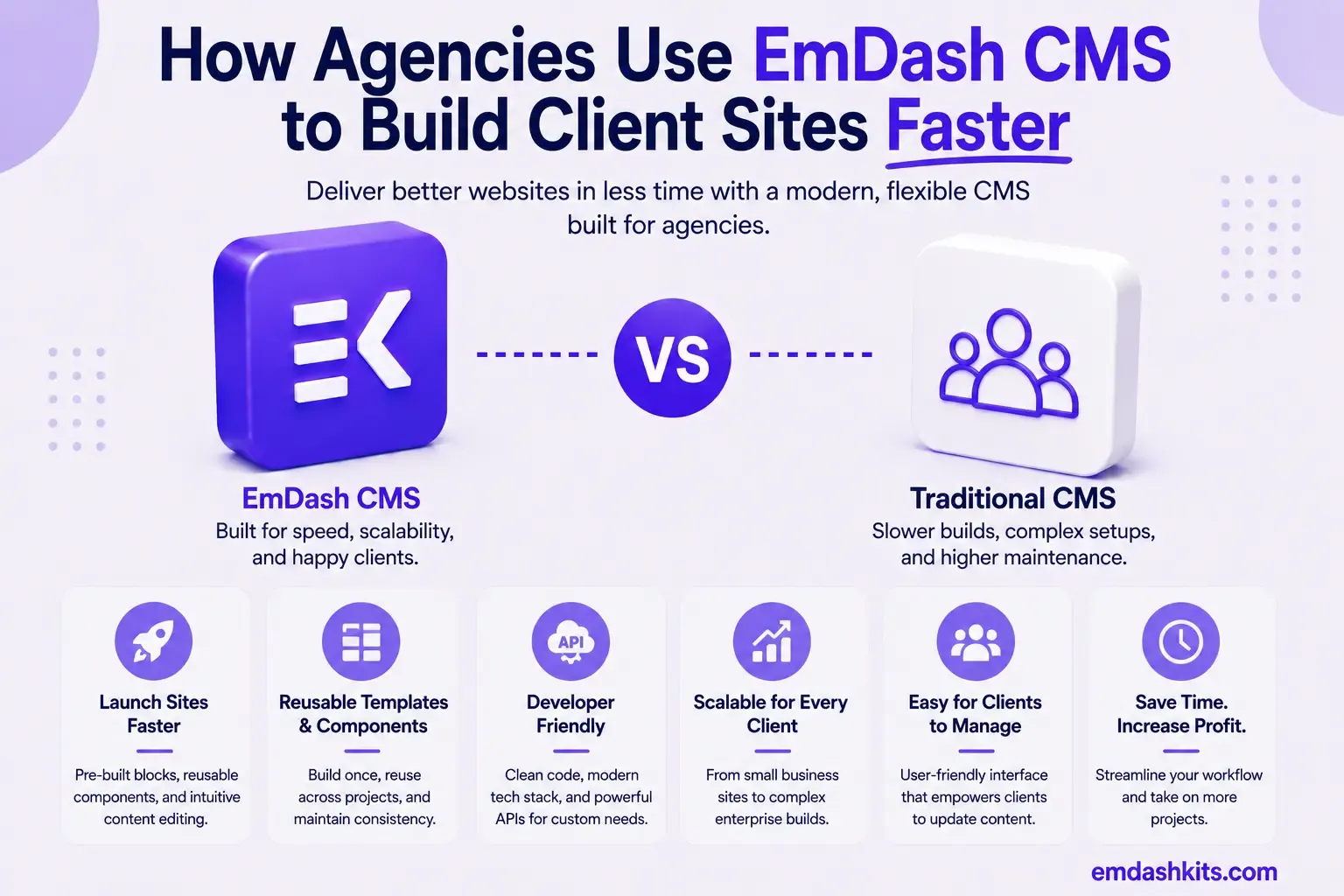
Every agency building websites for clients runs into the same math problem: the tenth site shares maybe 70% of its structure with the first — a blog, a team page, a case-study collection, a contact form — but rebuilding that structure from scratch every time still eats real hours. This is how EmDash's actual, documented tooling changes that math, and where it doesn't.
Table of Contents
- Start From a Seed, Not From Scratch
- The Visual Schema Builder Removes the Content-Modeling Bottleneck
- Migrating a Client's Existing WordPress Content
- Porting a Client's Plugin Functionality
- AI-Assisted Content Population
- What Doesn't Get Faster: No Built-In Multi-Tenancy
- A Realistic Agency Workflow
- Frequently Asked Questions
- Can one EmDash installation serve multiple clients?
- Does the WordPress import handle custom post types and ACF fields?
- Do agency team members need to code to adjust a client's content model?
- Is the AI assistant safe to use on a live client site?
- The Bottom Line
Start From a Seed, Not From Scratch
EmDash's CLI includes an export-seed command that exports your schema — collections, fields, taxonomies, menus, and widget areas — as a portable JSON seed file. Once an agency has built a solid starting structure for one client (a blog collection, a services collection, a testimonials collection, standard SEO fields), that structure exports as a reusable template rather than something rebuilt by hand for the next project.
On a new project, that seed file becomes your starting point instead of a blank collection list. New EmDash sites read seed files automatically on first boot — the path is resolved from `.emdash/seed.json`, `emdash.seed` in `package.json`, or `seed/seed.json`, whichever is found first — so a client project can start from your agency's standard content model rather than an empty schema, with the client-specific customization layered on top from there.
The Visual Schema Builder Removes the Content-Modeling Bottleneck
Visual Schema Builder — Create collections and fields from the admin panel.
For an agency, this matters specifically because content modeling for a new client doesn't require a developer sitting down and writing schema code from scratch each time — collections and fields can be created directly in the admin UI, which means a project lead or account manager can adjust field structure for a specific client's needs without waiting on engineering time for every small change.
Migrating a Client's Existing WordPress Content

A large share of agency work isn't greenfield — it's replatforming a client's existing site. EmDash's built-in WordPress import handles this directly: a WXR export file from the client's WordPress admin (Tools → Export → All content) uploads straight into EmDash's import wizard, which detects post types, creates matching collections automatically, and converts Gutenberg blocks to EmDash's Portable Text format — preserving headings, images, lists, quotes, and embeds without a manual content-copy pass. For an agency migrating several client blogs a year, that's real, recurring time saved over manually re-entering content post by post.
Porting a Client's Plugin Functionality
EmDash's plugin system is explicitly documented as WordPress-inspired, with agent-portable plugin migration from WordPress — meaning custom functionality a client relied on in WordPress (a specific form handler, a custom post-type behavior) has a defined migration path to EmDash's plugin architecture rather than needing to be reinvented from zero for every replatform.
AI-Assisted Content Population
EmDash ships a built-in MCP server that lets an AI assistant browse, create, edit, publish, and organize content in natural language — "Write a new blog post about our summer sale" or "Create a draft page for the About section" are real, documented example commands. For an agency populating placeholder content, drafting initial category structures, or bulk-creating starter pages across a new client site, that's a genuinely faster path than manual data entry for every field.
What Doesn't Get Faster: No Built-In Multi-Tenancy
Worth being direct about here: EmDash does not currently offer built-in multi-tenancy — there's no single deployment serving multiple, fully isolated client sites the way platforms like Webiny or Payload CMS offer. Each client project is its own EmDash installation. Seed files make each new installation start from a shared template quickly, but agencies specifically looking for one centralized instance managing many client tenants should evaluate EmDash against multi-tenant-native platforms directly before committing to this workflow.
A Realistic Agency Workflow
- Build and refine your standard content model on one real client project.
- Export it as a seed file with `npx emdash export-seed`.
- Start each new client project from that seed instead of a blank schema.
- For replatforms, import the client's existing WordPress content via WXR upload.
- Use the AI assistant (MCP) to populate placeholder and starter content faster.
- Customize fields per client directly in the Visual Schema Builder, no redeploy required.
Frequently Asked Questions
Can one EmDash installation serve multiple clients?
Not natively today — each client site is a separate EmDash installation. Seed files reduce the setup cost of each new installation, but they don't create shared, centralized infrastructure the way genuine multi-tenancy would.
Does the WordPress import handle custom post types and ACF fields?
Yes — the import wizard analyzes custom fields and ACF data during import, inferring EmDash field types from the values and creating new collections for any custom post types not already mapped.
Do agency team members need to code to adjust a client's content model?
For structural changes — adding a field, creating a new collection — no, the Visual Schema Builder handles that from the admin panel. Deeper customization (custom front-end templates, plugin logic) still requires development work.
Is the AI assistant safe to use on a live client site?
Content created via the MCP server is created as a draft by default and must be explicitly published, so an agency can review AI-drafted content before it goes live rather than it publishing automatically.
The Bottom Line
EmDash's seed files, visual schema builder, WordPress import, and AI-assisted content tools genuinely reduce the repetitive setup work agencies do on every new client project — without requiring a developer to rebuild the same content model from scratch each time. What it doesn't offer yet is centralized multi-tenancy, so agencies weighing that specifically should compare it directly against platforms built around that capability.




Comments