How Startups Can Launch a Website Faster with EmDash CMS

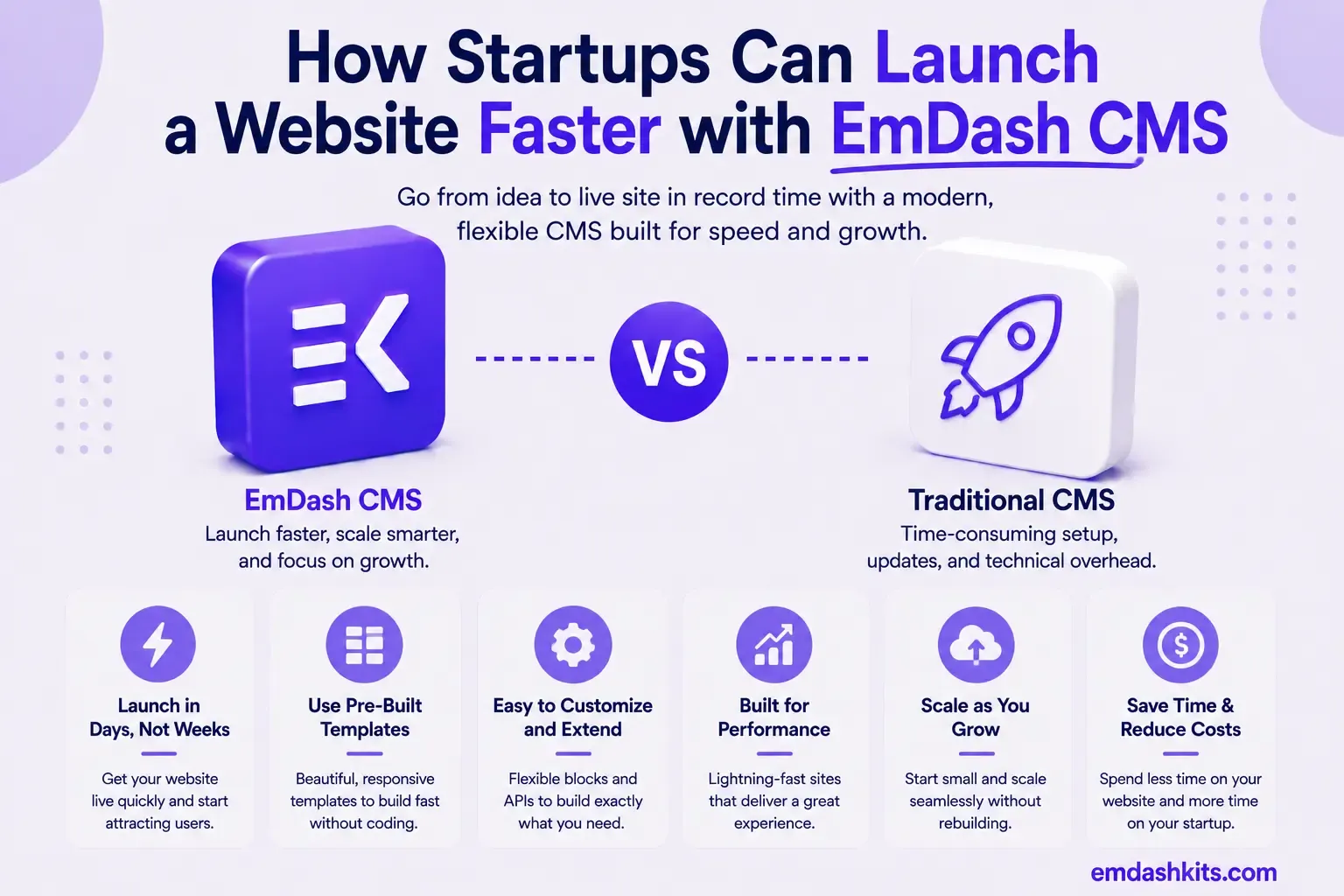
How Startups Can Launch a Website Faster with EmDash CMS

Startups have a specific, recurring website problem: the marketing site needs to be live fast, but a no-code builder often becomes a real constraint six months later when the product and content needs outgrow it. EmDash's actual setup path is built to close that gap — genuinely fast to start, without inheriting a page-builder's later ceiling.

Table of Contents
  1. Three Commands to a Running Site
  2. No Password to Manage — Setup Uses Passkeys
  3. Live Content Collections Mean No Rebuild Step
  4. Deploying to the Edge Without Managing Servers
  5. Type-Safe Content From Day One
  6. AI-Assisted Content for a Small Team
  7. A Realistic Startup Launch Timeline
  8. Frequently Asked Questions
  9. Do we need a database administrator to run EmDash?
  10. Can we start on EmDash and grow into it, or will we outgrow it fast?
  11. Is Cloudflare Workers deployment actually free for a small startup site?
  12. What if our team doesn't have an Astro developer yet?
  13. The Bottom Line

Three Commands to a Running Site

EmDash's project scaffold is a single create command, matching Astro's own tooling conventions:

npm create emdash@latest
cd my-startup-site
npm install
npm run dev
emdashkits.com

That starts a local dev server at http://localhost:4321, with the admin panel reachable at `/_emdash/admin`. There's no separate database server to provision manually for local development — the default local setup handles that as part of the scaffold.

No Password to Manage — Setup Uses Passkeys

EmDash uses passkey authentication instead of passwords. Passkeys are more secure and work with your browser's built-in password manager.

The first-run Setup Wizard collects your site title, tagline, and admin email, then registers a passkey via Touch ID, Face ID, Windows Hello, or a security key — a genuinely faster and more secure onboarding step than the traditional "create an admin password, then get nagged to reset it" flow most CMS platforms still use.

Read also:

Live Content Collections Mean No Rebuild Step

EmDash is built on Astro's Live Content Collections, so content edits — publishing a new page, updating pricing copy — appear immediately at runtime rather than requiring a rebuild and redeploy cycle. For a startup iterating on messaging daily during a launch window, that removes a real, recurring friction point that static-generation-only setups introduce.

Deploying to the Edge Without Managing Servers

For a startup specifically, EmDash's Cloudflare Workers deployment path is worth calling out directly — it runs on D1 (Cloudflare's SQLite-compatible database) and R2 (object storage) with no separate database server to provision, patch, or scale manually. Database migrations run automatically on the first request after deploy, and Wrangler provisions the D1 and R2 resources on first deploy if they don't already exist. That's a genuinely low-ops path for a small team without dedicated infrastructure capacity — deploy with a single command:

wrangler deploy
emdashkits.com

Type-Safe Content From Day One

EmDash generates TypeScript types directly from your content model, giving full autocomplete and type safety from query to template. For a startup's small engineering team moving fast, catching a content-field typo at compile time instead of in production is a real, if unglamorous, speed advantage.

AI-Assisted Content for a Small Team

A startup team working together at a whiteboard planning a product launch

With no dedicated content or marketing hire yet, a lot of early-stage teams end up with the founder writing every page. EmDash's built-in MCP server lets an AI assistant draft, edit, and organize content directly — "Create a draft page for the About section" or "Update the pricing page to mention the new plan" are real supported commands, with content created as a draft for review before anything publishes live.

A Realistic Startup Launch Timeline

  • Scaffold the project and start the dev server: `npm create emdash@latest`.
  • Complete the Setup Wizard and register a passkey.
  • Define your content model (pages, blog, changelog) in the Visual Schema Builder.
  • Draft initial content directly, or via the AI assistant, then review and publish.
  • Deploy to Cloudflare Workers with D1 and R2 — no server to provision manually.
  • Iterate on copy daily without a rebuild step, since content is live at runtime.

Frequently Asked Questions

Do we need a database administrator to run EmDash?

Not for a Cloudflare Workers deployment — D1 is provisioned automatically by Wrangler and migrations run on first request. Node.js deployments with SQLite or PostgreSQL require slightly more manual setup but still nothing close to traditional DBA-level ongoing management for a small site.

Can we start on EmDash and grow into it, or will we outgrow it fast?

EmDash's structured, typed content model and full Astro codebase ownership are built for growth rather than a ceiling — unlike a no-code builder, there's no point where you hit a hard platform limit on content structure or custom functionality, since you own the front-end code directly.

Is Cloudflare Workers deployment actually free for a small startup site?

Cloudflare's free tier covers a meaningful amount of Workers, D1, and R2 usage for a low-traffic early-stage site — check Cloudflare's current published limits for your specific expected traffic before committing, since exact free-tier thresholds change over time.

What if our team doesn't have an Astro developer yet?

EmDash requires genuine Astro/TypeScript development for the front end — it's not a no-code tool. A startup without any development resources at all is better served starting with a no-code builder and migrating to EmDash once they have engineering capacity.

The Bottom Line

EmDash's actual setup path — a single create command, passkey-based onboarding, live content updates with no rebuild step, and a genuinely low-ops Cloudflare deployment — gets a real, structured CMS live fast without the later ceiling a no-code builder introduces. See our full 10-minute setup walkthrough for the exact step-by-step process.


Share

Comments

Write a comment

Related Articles

Login Works in Production but Fails on localhost: The secure Cookie Flag Gotcha

July 16, 2026

Login Works in Production but Fails on localhost: The secure Cookie Flag Gotcha

Google Analytics (GA4) Not Tracking Anything and No Console Errors: Check Your CSP First

July 16, 2026

Google Analytics (GA4) Not Tracking Anything and No Console Errors: Check Your CSP First

Native Module Build Fails on Shared Hosting (node-gyp, Old glibc/Python): The .npmrc Fix

July 16, 2026

Native Module Build Fails on Shared Hosting (node-gyp, Old glibc/Python): The .npmrc Fix

Login Works in Production but Fails on localhost: The secure Cookie Flag Gotcha

Login Works in Production but Fails on localhost: The secure Cookie Flag Gotcha

TL;DR — A custom session-cookie login flow appeared to succeed on localhost (the OTP verified, the response looked fine) but every subsequent request to a login-gated page treated the visitor as logged out. Identical code worked fine on the live HTTPS site. The cookie's Secure attribute was hardcoded to true — and per the cookie spec, browsers never store or send a Secure cookie over a plain, non-HTTPS connection.

Table of Contents
  1. Diagnostic
  2. Root cause
  3. Fix
  4. Lessons learned

Diagnostic

Check the actual Set-Cookie response header and the browser's own cookie storage panel — on localhost over http://, the cookie is sent by the server but never actually stored by the browser.

Root cause

// before -- assumes the app is always served over HTTPS
setCookie("session", token, { secure: true, httpOnly: true });
emdashkits.com

A cookie config that quietly assumes "we're always on HTTPS" breaks the instant you test over plain HTTP, which local dev servers commonly are.

Read also:

Fix

// after -- derive secure from the actual request protocol
const isHttps = request.url.startsWith("https://");
setCookie("session", token, { secure: isHttps, httpOnly: true });
emdashkits.com

Lessons learned

  • Any Secure-flagged cookie needs to key off the real request scheme, not an assumption baked in once at cookie-creation time.
  • "Works in production, silently fails in local dev" is a strong signal to check cookie flags before anything else in an auth flow.
  • Check other cookies in the same codebase for the same hardcoded assumption — if one cookie has this bug, sibling cookies set the same way are worth auditing too.
Share
Previous Article

Google Analytics (GA4) Not Tracking Anything and No Console Errors: Check Your CSP First

Comments

Write a comment

Related Articles

Google Analytics (GA4) Not Tracking Anything and No Console Errors: Check Your CSP First

July 16, 2026

Google Analytics (GA4) Not Tracking Anything and No Console Errors: Check Your CSP First

Native Module Build Fails on Shared Hosting (node-gyp, Old glibc/Python): The .npmrc Fix

July 16, 2026

Native Module Build Fails on Shared Hosting (node-gyp, Old glibc/Python): The .npmrc Fix

Uploaded Images Disappear After Every Deploy on Shared Hosting (and Other Reverse-Proxy Gotchas)

July 16, 2026

Uploaded Images Disappear After Every Deploy on Shared Hosting (and Other Reverse-Proxy Gotchas)

Google Analytics (GA4) Not Tracking Anything and No Console Errors: Check Your CSP First

Google Analytics (GA4) Not Tracking Anything and No Console Errors: Check Your CSP First

TL;DR — GA4's gtag.js snippet was installed correctly, the page loaded with no visible JavaScript error, and GA4's real-time report still showed zero activity. The CMS's default Content-Security-Policy had no allowance for analytics domains and no config option to add one — so every request to Google's tracking endpoints was blocked at the browser level before it could fail loudly.

Table of Contents
  1. Diagnostic
  2. Root cause
  3. Lessons learned

Diagnostic

Check the browser's dedicated CSP violation reporting, not the regular console error list — CSP blocks are reported through their own channel, not thrown as normal script errors, so "no console errors" doesn't mean nothing was blocked.

Root cause

The CSP's script-src and connect-src directives had no entry for googletagmanager.com or google-analytics.com, and the CMS exposed no configuration surface to add one — the only way in was patching the CSP directives directly.

// patch-package: add analytics domains to the existing CSP directives
scriptSrc.push("https://www.googletagmanager.com");
connectSrc.push("https://www.google-analytics.com", "https://www.googletagmanager.com");
emdashkits.com
Read also:

Lessons learned

  • "No console errors" is not proof nothing was blocked — CSP violations live in their own reporting surface and are easy to miss if you're only scanning for red error text.
  • Before adding any third-party script tag to a site with a CSP already in place, check the CSP's directives first rather than assuming a silently-empty analytics dashboard means a snippet-installation mistake.
Share
Previous Article

Native Module Build Fails on Shared Hosting (node-gyp, Old glibc/Python): The .npmrc Fix

Next Article

Login Works in Production but Fails on localhost: The secure Cookie Flag Gotcha

Comments

Write a comment

Related Articles

Login Works in Production but Fails on localhost: The secure Cookie Flag Gotcha

July 16, 2026

Login Works in Production but Fails on localhost: The secure Cookie Flag Gotcha

Native Module Build Fails on Shared Hosting (node-gyp, Old glibc/Python): The .npmrc Fix

July 16, 2026

Native Module Build Fails on Shared Hosting (node-gyp, Old glibc/Python): The .npmrc Fix

Uploaded Images Disappear After Every Deploy on Shared Hosting (and Other Reverse-Proxy Gotchas)

July 16, 2026

Uploaded Images Disappear After Every Deploy on Shared Hosting (and Other Reverse-Proxy Gotchas)

