EmDash CMS vs Agility CMS: Which One Should You Choose?

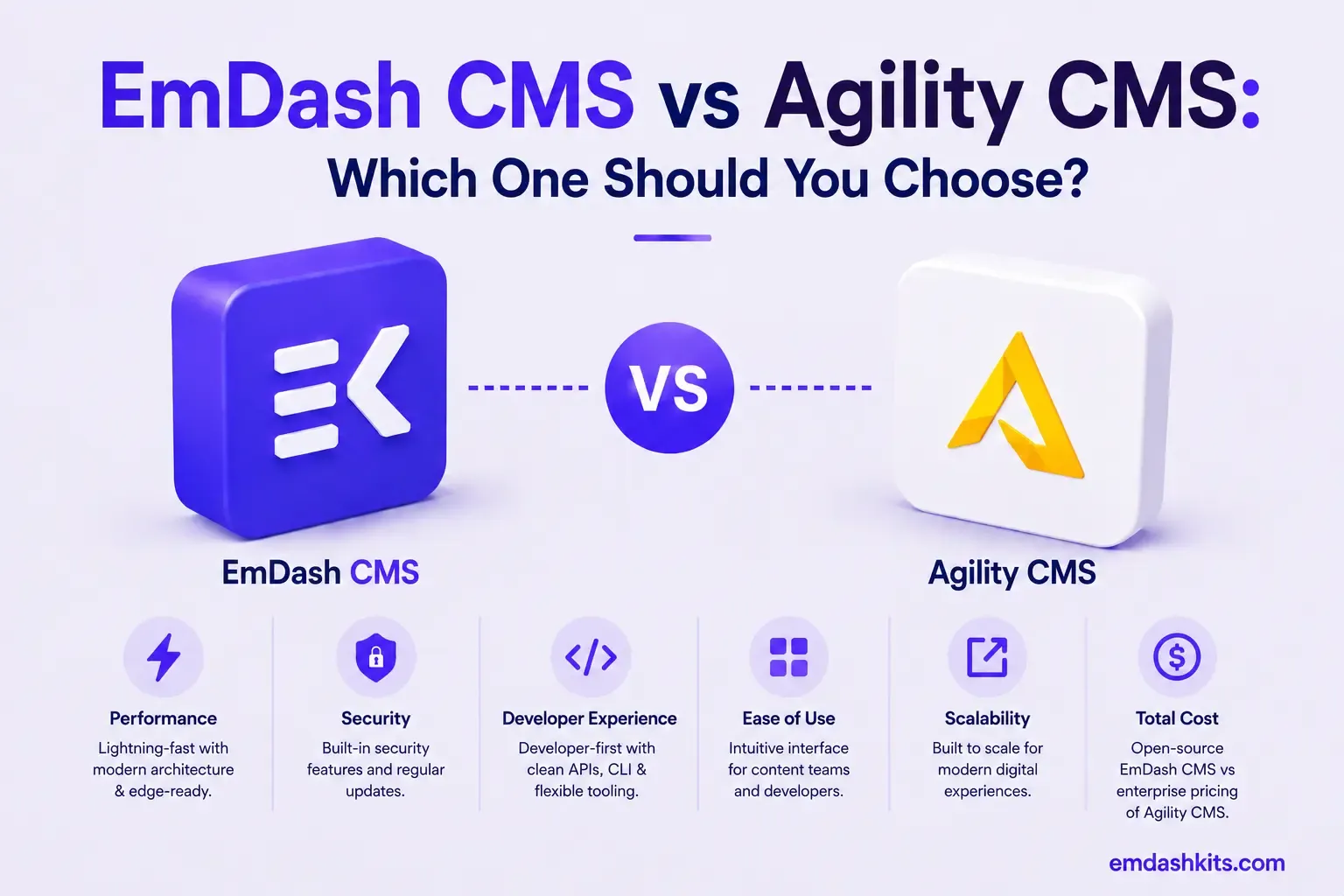
Agility CMS occupies a specific middle ground in the headless CMS category: fully API-first underneath, but with a built-in visual page builder that lets marketers own page composition without needing a developer for every change. EmDash doesn't offer that same visual layer — its structured content is assembled through code rather than a marketer-facing canvas. This guide compares both, including Agility's enterprise-tier pricing.
Table of Contents
- Quick Answer
- A Genuine Hybrid Architecture
- Pricing
- Page and URL Management
- Plugin and Extension Security
- Where Agility CMS Pulls Ahead
- Where EmDash Pulls Ahead
- Frequently Asked Questions
- Is Agility CMS worth its price for a small team?
- Does EmDash have anything like Agility's visual page builder?
- What does 'hybrid CMS' mean in Agility's context?
- Is Agility CMS a good fit for a developer-only team?
- The Bottom Line
- Sources
Quick Answer
Agility CMS is the stronger choice for marketing-led teams that want a true hybrid — headless architecture with marketer-owned visual page building — and have the enterprise budget it requires. EmDash is the stronger choice for developer-led teams that want a self-hosted, structured CMS without per-month SaaS pricing at Agility's tier.
A Genuine Hybrid Architecture
Agility CMS combines full API-first headless architecture with a built-in visual page builder and marketer-owned page management. This hybrid approach positions it between traditional headless CMS platforms and traditional coupled CMS solutions.
That's a deliberate, specific positioning: most headless CMS platforms ask you to choose between API-first flexibility and marketer-friendly page building. Agility tries to offer both — developers get the headless API, marketers get direct control over layout and composition without filing a ticket. EmDash sits more squarely in the traditional headless camp: content is structured and API-accessible, but assembling it into pages is a developer task through the Astro codebase, not something a marketer does directly in the admin.
Pricing
Agility CMS's 2026 pricing is genuinely steep relative to most of this comparison series: Starter at $1,249/month (up to 10 users), Pro at $2,499/month (up to 25 users), and custom Enterprise pricing, all billed annually with a 33% discount for committing to the annual term. Every tier includes unlimited content models, unlimited locales, and unlimited API calls, so the pricing scales with users and support tier rather than usage limits — a real consideration if your team is smaller than 10 people but still wants Agility's specific hybrid feature set. EmDash's self-hosted model has no equivalent per-tier SaaS cost; pricing is your own infrastructure regardless of team size.
Page and URL Management
Agility's page/URL management, page/module composing, and sitemap management are included across every plan — genuinely useful for marketing teams managing a large, evolving site structure without developer involvement for routine page changes. EmDash's page and URL structure is defined through Astro's routing and the CMS's content schema, which is more flexible for a developer but requires developer involvement for structural changes a marketer would handle directly in Agility.
Plugin and Extension Security
Agility's extensibility runs through its own managed SaaS environment and integration ecosystem, consistent with a platform priced and positioned for enterprise marketing teams. EmDash's sandboxed, permission-scoped plugin architecture addresses a different context — securing a genuinely open, self-hosted extension ecosystem, which matters specifically because EmDash gives you that level of infrastructure access in the first place.
Where Agility CMS Pulls Ahead
- A genuine hybrid model — full headless API plus marketer-owned visual page building, not a trade-off between the two.
- Unlimited content models, locales, and API calls on every tier, including the entry-level plan.
- Purpose-built page/URL management for marketing teams handling routine structural changes.
- Managed SaaS infrastructure with no operational overhead on your side.
Where EmDash Pulls Ahead
- No enterprise SaaS pricing floor — self-hosted infrastructure cost doesn't start at four figures a month.
- Sandboxed, permission-scoped plugin security for teams that need real extensibility on infrastructure they control.
- Full data ownership with no vendor-managed export process.
- A built-in MCP server for AI-native, programmatic content management.
Frequently Asked Questions
Is Agility CMS worth its price for a small team?
For a team smaller than 10 users that doesn't need Agility's specific hybrid page-building capability, probably not — its pricing is built around mid-market and enterprise marketing teams, not small startups evaluating their first CMS.
Does EmDash have anything like Agility's visual page builder?
No — that's Agility's core differentiator, and EmDash doesn't currently offer an equivalent marketer-facing visual page composition layer. Page structure in EmDash is a developer task.
What does 'hybrid CMS' mean in Agility's context?
It means combining headless architecture (API-first content, decoupled front end) with a built-in, marketer-usable page-building layer — as opposed to a purely headless CMS where all page composition happens in custom front-end code. See our broader guide to what a hybrid CMS actually is for more on this category generally.
Is Agility CMS a good fit for a developer-only team?
It can be used that way, but you'd be paying enterprise pricing for a marketer-facing page-building layer your team might not use. A purely developer-led team may get better value from a platform priced around headless content alone.
The Bottom Line
If you need a genuine hybrid — headless architecture with marketer-owned page building — and the budget matches, Agility CMS delivers a combination few competitors attempt. If you're developer-led and want a self-hosted, structured CMS without enterprise SaaS pricing, EmDash is the more accessible foundation. See our broader look at what a hybrid CMS is and how it compares to pure headless for more context on this specific category.




Comments