EmDash CMS vs Sitecore: Which One Should You Choose?

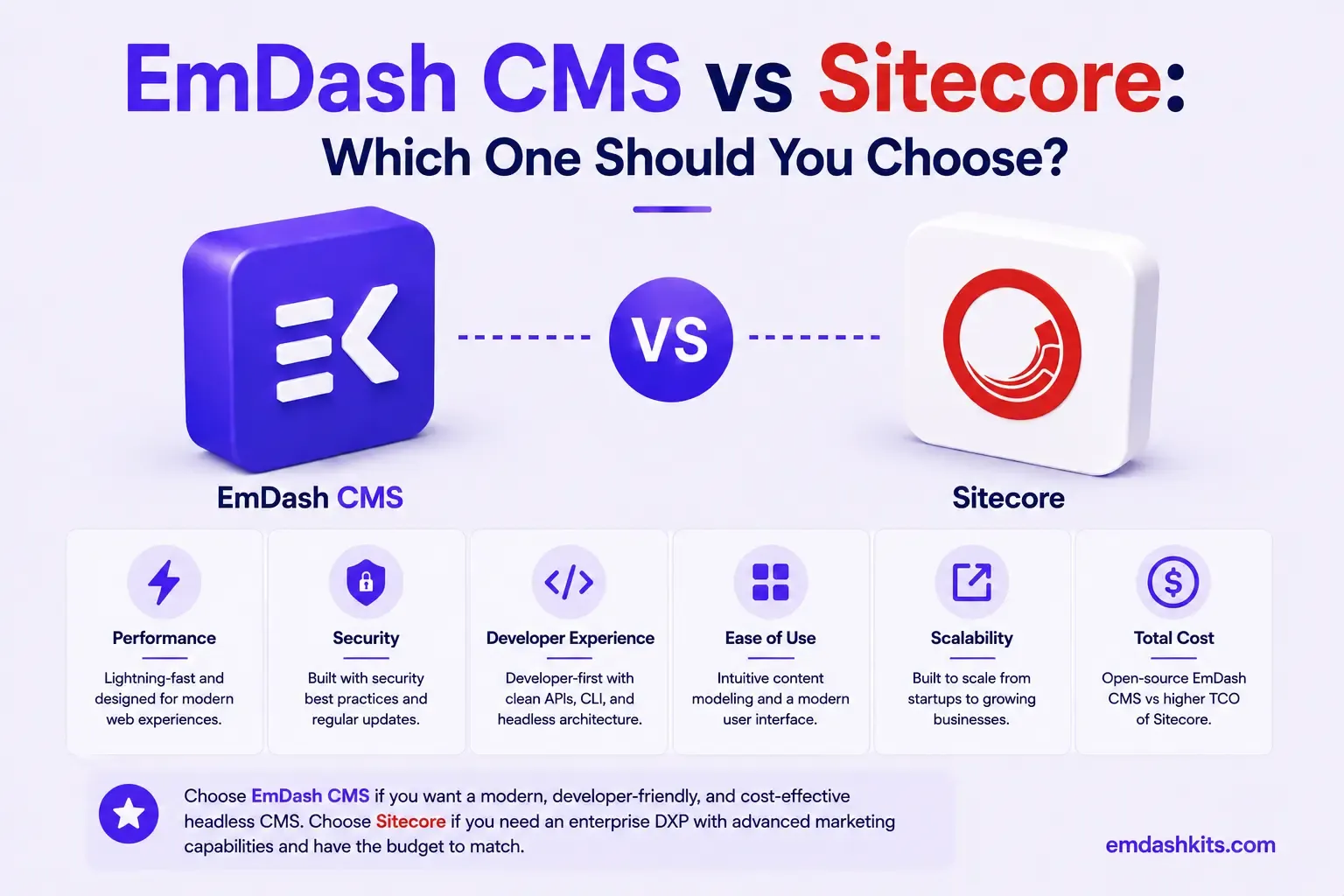
Sitecore is, by reputation and by the numbers, the most expensive and complex platform in this entire comparison series. It's also genuinely capable at a scale few competitors match — which is exactly why large enterprises keep paying for it despite the cost and the well-documented complexity. EmDash sits at the opposite end: open-source, self-hosted, and scoped to structured content management without Sitecore's sprawling product family. This comparison is really about whether your organization's scale and requirements justify Sitecore's investment.
Table of Contents
- The Real Cost of Sitecore
- A History of Pricing Complexity — Now Being Simplified
- What You're Actually Paying For
- Complexity as a Feature and a Cost
- Plugin and Extension Security
- Where Sitecore Pulls Ahead
- Where EmDash Pulls Ahead
- Frequently Asked Questions
- Is Sitecore worth its cost for a mid-sized company?
- What is SitecoreAI, and how is it different from XM Cloud?
- Why is Sitecore so much more expensive than most CMS platforms?
- Can a smaller team realistically self-host something like Sitecore instead?
- The Bottom Line
- Sources
The Real Cost of Sitecore
Annual costs for small to mid-market Sitecore deployments (5–15 content authors, moderate traffic) commonly range from $75,000 to $250,000, while mid-market to enterprise deployments typically fall between $250,000 and $750,000, and large enterprise implementations often exceed $750,000 — reaching $1,500,000+ for complex multi-site deployments. Three-year costs for mid-market deployments typically land around $450K–$825K.
Those are annual and multi-year figures for a single platform, before counting the internal team needed to run it. EmDash's total cost at any scale is your own infrastructure and development time — there is no comparable licensing tier, because EmDash doesn't have Sitecore's category of enterprise-suite pricing at all. This isn't a knock on Sitecore's capability; it's a statement about what kind of organization and budget its pricing model assumes from the start.
A History of Pricing Complexity — Now Being Simplified
Sitecore's pricing has historically been criticized for a lack of transparency, with each product in the Sitecore family requiring its own procurement process and sales motion — wanting to add Personalize to an existing XM Cloud setup, for instance, meant a separate discussion and negotiation. Sitecore has recently rebranded and restructured its offering under a single banner, SitecoreAI, specifically to simplify that fragmented pricing and product experience. It's a meaningful acknowledgment of a real, longstanding pain point — worth knowing if you're evaluating Sitecore based on older reputation rather than its current, more unified packaging.
What You're Actually Paying For
Sitecore's cost buys genuine enterprise-grade capability: multi-site, multi-region content management at scale, deep personalization, a large partner and implementation ecosystem, and a platform with decades of enterprise deployment experience behind it. For a large, multi-brand organization with the internal team to run it, that's a defensible investment. For a mid-sized team, it's very likely more platform — and more cost — than the actual content-management need justifies.
Complexity as a Feature and a Cost
Sitecore's flexibility and configurability are real, and they come from genuine architectural depth accumulated over many years — the same depth that makes it expensive to implement and staff. EmDash's structured content model is deliberately simpler: a more conventional admin experience without Sitecore's extensive configuration surface, which means a shorter learning curve but also less accumulated enterprise-scenario coverage.
Plugin and Extension Security
Sitecore's extensibility runs through its own module ecosystem and a large partner-developer network, consistent with enterprise software of its scale and maturity. EmDash's sandboxed, permission-scoped plugin architecture solves a related but more narrowly scoped problem — securing a self-hosted extension ecosystem without the enterprise partner-vetting infrastructure Sitecore has built over decades.
Where Sitecore Pulls Ahead
- Genuine enterprise-scale capability — multi-site, multi-region, deep personalization — proven across decades of large deployments.
- A large partner and implementation ecosystem for organizations that need dedicated enterprise support.
- Recent SitecoreAI restructuring specifically addressing historical pricing-transparency complaints.
- Architectural depth that covers enterprise edge cases few smaller platforms have encountered yet.
Where EmDash Pulls Ahead
- No enterprise DXP pricing — realistic deployments don't start at $75,000+ annually.
- Sandboxed, permission-scoped plugin security as a platform default, not an enterprise add-on.
- A meaningfully shorter learning curve without Sitecore's extensive configuration depth.
- Direct, predictable infrastructure costs instead of custom enterprise quoting.
Frequently Asked Questions
Is Sitecore worth its cost for a mid-sized company?
For most mid-sized organizations, likely not — Sitecore's pricing and complexity are built around large, multi-brand enterprises. A mid-sized team's actual content-management needs are usually served well by a more focused, lower-cost platform.
What is SitecoreAI, and how is it different from XM Cloud?
SitecoreAI is Sitecore's recent rebrand unifying its product family (including XM Cloud) under one integrated platform and pricing structure, specifically addressing longstanding complaints about fragmented, product-by-product procurement.
Why is Sitecore so much more expensive than most CMS platforms?
It's priced as a full enterprise digital experience platform — content, personalization, multi-site management, and enterprise support — not just a CMS. That broader scope, and the enterprise implementation work it typically requires, is what drives the six- to seven-figure cost.
Can a smaller team realistically self-host something like Sitecore instead?
Not really as a like-for-like replacement — Sitecore's specific enterprise capabilities (deep personalization, multi-region scale) aren't matched feature-for-feature by any self-hosted open-source platform, EmDash included. What EmDash offers instead is a much lower-cost path to structured content management for teams that don't need Sitecore's full scope.
The Bottom Line
If you're a large enterprise with the budget and internal team for a full DXP, and multi-region, multi-brand personalization at scale is a genuine requirement, Sitecore's capability is hard to match — just go in with realistic cost expectations. If your organization's actual need is structured content management without a seven-figure platform investment, EmDash is a fundamentally different, more accessible path. See our broader guide to what enterprise CMS buyers actually prioritize to help scope that decision honestly.




Comments