Enterprise CMS Explained: What to Look For

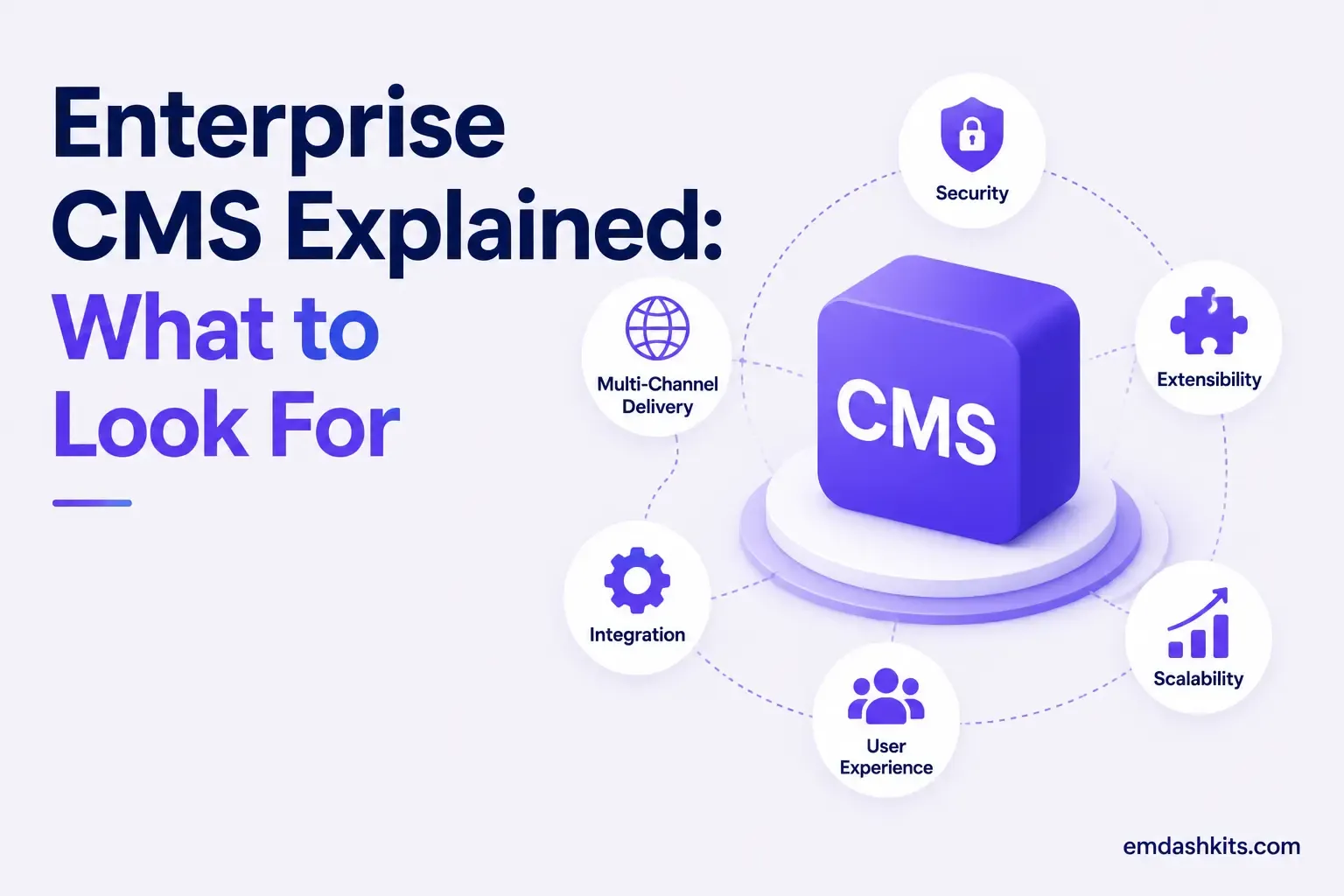
Enterprise CMS Explained: What to Look For

"Enterprise CMS" gets used loosely enough that it's worth being precise about what actually changes once an organization crosses into enterprise scale. It's not just a bigger version of the same checklist a small team uses — security posture, governance, and integration depth all become first-order requirements instead of nice-to-haves.

Table of Contents
  1. Security and Compliance Come First
  2. Scale Means More Than Traffic
  3. Multi-Site and Multi-Brand Support
  4. Global Content Delivery
  5. Localization at Volume
  6. Integration Depth
  7. MACH and Composable Architecture at Enterprise Scale
  8. What This Costs in Practice
  9. The Enterprise CMS Checklist

Security and Compliance Come First

Enterprise buyers expect role-based access control, single sign-on, encryption at rest and in transit, and full audit logs as table stakes, not premium add-ons. Depending on the industry, that extends to specific frameworks: SOC 2 Type II, ISO 27001, GDPR, and HIPAA show up constantly in enterprise CMS procurement, and regulated organizations — government, finance, healthcare — often specifically require NIST SP 800-53 alignment covering content integrity, access control, audit logging, and configuration management.

This is also where the security case for headless and MACH-aligned architecture becomes concrete rather than theoretical: a smaller attack surface and API-scoped, read-only access keys are easier to defend in an audit than a monolithic admin panel with broad plugin permissions.

Scale Means More Than Traffic

Multi-Site and Multi-Brand Support

A single enterprise CMS instance often needs to serve multiple brands, regions, or business units — each with its own content, design system, and publishing workflow, but shared infrastructure and governance underneath. Bolting this onto a platform that assumes "one site, one install" gets expensive and fragile fast.

Global Content Delivery

Scale in an enterprise context means staying responsive during a product launch, serving content with acceptable latency across regions, and keeping performance stable as content volume grows year over year — which in practice means cloud-native hosting, CDN support, and performance monitoring the team can actually act on, not just a dashboard.

Localization at Volume

Multi-language support isn't a checkbox for global organizations — it's an entire workflow: translation pipelines, locale-specific publishing schedules, and fallback logic when a translation isn't ready yet. This is one of the areas where a platform's underlying content model matters more than its editor UI.

Read also:

Integration Depth

Enterprise content rarely lives in isolation. It needs to connect to CRM, ERP, analytics, marketing automation, and increasingly AI tooling, for a genuinely unified operation rather than content management as an island. An API-first architecture is what makes this integration depth realistic instead of a series of brittle one-off exports.

MACH and Composable Architecture at Enterprise Scale

Enterprise buyers increasingly evaluate platforms against MACH principles specifically because the alternative — a single monolithic suite trying to do content, commerce, personalization, and search all at once — tends to become the bottleneck exactly when an enterprise needs to move fastest. A composable approach lets different business units adopt best-of-breed tools for their specific needs while sharing a common content layer, rather than every team being blocked on the same vendor's roadmap.

That said, not every enterprise workload needs a fully composable rebuild on day one. Many organizations land on a hybrid CMS as the practical middle ground — headless flexibility for the properties that need it, with a built-in front end still available for the ones that don't.

What This Costs in Practice

Enterprise-tier pricing for established headless platforms is rarely public, and for good reason — cost typically scales with the number of spaces or projects, content locales, and API call volume, and large enterprise deployments commonly run well into six figures annually once support SLAs and dedicated infrastructure are included. That's the tradeoff worth weighing directly against the platform's actual security and governance requirements, not against the sticker price of a small-team plan.

The Enterprise CMS Checklist

  • Role-based access control, SSO, and full audit logging, not sold as an add-on.
  • Named compliance frameworks relevant to your industry (SOC 2, ISO 27001, GDPR, HIPAA, or sector-specific mandates).
  • Multi-site, multi-brand support with shared governance and independent publishing workflows.
  • A genuinely API-first content layer, so new integrations don't require a vendor's roadmap to change first.
  • A clear answer for localization at volume — not just "we support multiple languages."

If you're building this evaluation from scratch, it's worth starting from the underlying architecture question first: headless CMS fundamentals and MACH architecture are the two pieces that determine how well a platform will actually hold up once you're operating at enterprise scale.


Share

Comments

Write a comment

Related Articles

Login Works in Production but Fails on localhost: The secure Cookie Flag Gotcha

July 16, 2026

Login Works in Production but Fails on localhost: The secure Cookie Flag Gotcha

Google Analytics (GA4) Not Tracking Anything and No Console Errors: Check Your CSP First

July 16, 2026

Google Analytics (GA4) Not Tracking Anything and No Console Errors: Check Your CSP First

Native Module Build Fails on Shared Hosting (node-gyp, Old glibc/Python): The .npmrc Fix

July 16, 2026

Native Module Build Fails on Shared Hosting (node-gyp, Old glibc/Python): The .npmrc Fix

Login Works in Production but Fails on localhost: The secure Cookie Flag Gotcha

Login Works in Production but Fails on localhost: The secure Cookie Flag Gotcha

TL;DR — A custom session-cookie login flow appeared to succeed on localhost (the OTP verified, the response looked fine) but every subsequent request to a login-gated page treated the visitor as logged out. Identical code worked fine on the live HTTPS site. The cookie's Secure attribute was hardcoded to true — and per the cookie spec, browsers never store or send a Secure cookie over a plain, non-HTTPS connection.

Table of Contents
  1. Diagnostic
  2. Root cause
  3. Fix
  4. Lessons learned

Diagnostic

Check the actual Set-Cookie response header and the browser's own cookie storage panel — on localhost over http://, the cookie is sent by the server but never actually stored by the browser.

Root cause

// before -- assumes the app is always served over HTTPS
setCookie("session", token, { secure: true, httpOnly: true });
emdashkits.com

A cookie config that quietly assumes "we're always on HTTPS" breaks the instant you test over plain HTTP, which local dev servers commonly are.

Read also:

Fix

// after -- derive secure from the actual request protocol
const isHttps = request.url.startsWith("https://");
setCookie("session", token, { secure: isHttps, httpOnly: true });
emdashkits.com

Lessons learned

  • Any Secure-flagged cookie needs to key off the real request scheme, not an assumption baked in once at cookie-creation time.
  • "Works in production, silently fails in local dev" is a strong signal to check cookie flags before anything else in an auth flow.
  • Check other cookies in the same codebase for the same hardcoded assumption — if one cookie has this bug, sibling cookies set the same way are worth auditing too.
Share
Previous Article

Google Analytics (GA4) Not Tracking Anything and No Console Errors: Check Your CSP First

Comments

Write a comment

Related Articles

Google Analytics (GA4) Not Tracking Anything and No Console Errors: Check Your CSP First

July 16, 2026

Google Analytics (GA4) Not Tracking Anything and No Console Errors: Check Your CSP First

Native Module Build Fails on Shared Hosting (node-gyp, Old glibc/Python): The .npmrc Fix

July 16, 2026

Native Module Build Fails on Shared Hosting (node-gyp, Old glibc/Python): The .npmrc Fix

Uploaded Images Disappear After Every Deploy on Shared Hosting (and Other Reverse-Proxy Gotchas)

July 16, 2026

Uploaded Images Disappear After Every Deploy on Shared Hosting (and Other Reverse-Proxy Gotchas)

Google Analytics (GA4) Not Tracking Anything and No Console Errors: Check Your CSP First

Google Analytics (GA4) Not Tracking Anything and No Console Errors: Check Your CSP First

TL;DR — GA4's gtag.js snippet was installed correctly, the page loaded with no visible JavaScript error, and GA4's real-time report still showed zero activity. The CMS's default Content-Security-Policy had no allowance for analytics domains and no config option to add one — so every request to Google's tracking endpoints was blocked at the browser level before it could fail loudly.

Table of Contents
  1. Diagnostic
  2. Root cause
  3. Lessons learned

Diagnostic

Check the browser's dedicated CSP violation reporting, not the regular console error list — CSP blocks are reported through their own channel, not thrown as normal script errors, so "no console errors" doesn't mean nothing was blocked.

Root cause

The CSP's script-src and connect-src directives had no entry for googletagmanager.com or google-analytics.com, and the CMS exposed no configuration surface to add one — the only way in was patching the CSP directives directly.

// patch-package: add analytics domains to the existing CSP directives
scriptSrc.push("https://www.googletagmanager.com");
connectSrc.push("https://www.google-analytics.com", "https://www.googletagmanager.com");
emdashkits.com
Read also:

Lessons learned

  • "No console errors" is not proof nothing was blocked — CSP violations live in their own reporting surface and are easy to miss if you're only scanning for red error text.
  • Before adding any third-party script tag to a site with a CSP already in place, check the CSP's directives first rather than assuming a silently-empty analytics dashboard means a snippet-installation mistake.
Share
Previous Article

Native Module Build Fails on Shared Hosting (node-gyp, Old glibc/Python): The .npmrc Fix

Next Article

Login Works in Production but Fails on localhost: The secure Cookie Flag Gotcha

Comments

Write a comment

Related Articles

Login Works in Production but Fails on localhost: The secure Cookie Flag Gotcha

July 16, 2026

Login Works in Production but Fails on localhost: The secure Cookie Flag Gotcha

Native Module Build Fails on Shared Hosting (node-gyp, Old glibc/Python): The .npmrc Fix

July 16, 2026

Native Module Build Fails on Shared Hosting (node-gyp, Old glibc/Python): The .npmrc Fix

Uploaded Images Disappear After Every Deploy on Shared Hosting (and Other Reverse-Proxy Gotchas)

July 16, 2026

Uploaded Images Disappear After Every Deploy on Shared Hosting (and Other Reverse-Proxy Gotchas)

