DIY vs Professional WordPress Migration: Cost and Risk Compared

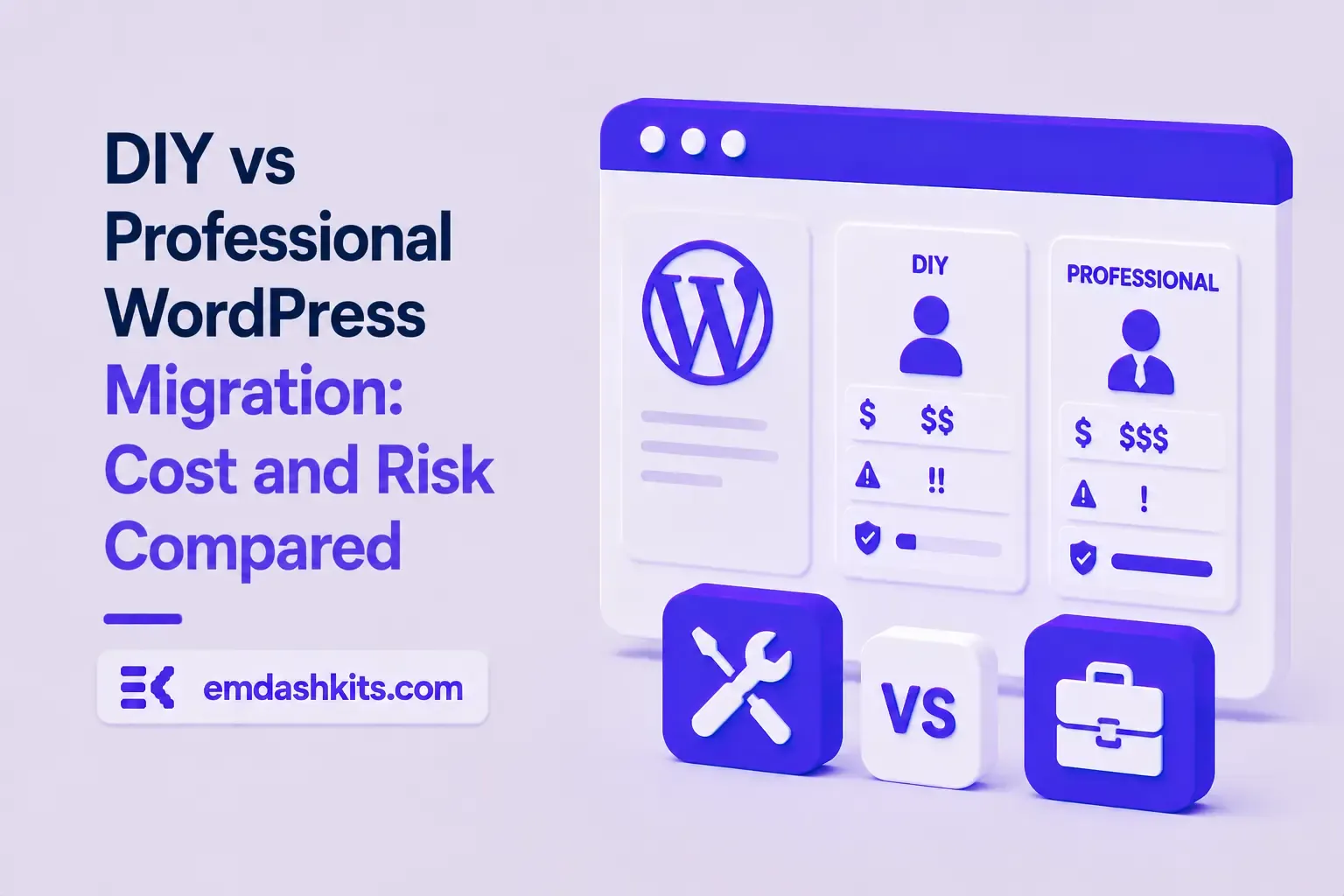
DIY vs Professional WordPress Migration: Cost and Risk Compared

Every migration conversation eventually reaches the same fork: do it ourselves, or pay someone? The DIY route looks free and the professional route looks expensive, and both appearances are misleading. DIY costs your hours plus the risk you carry; professional migration costs money plus the vetting you have to do. The right answer depends on measurable properties of your site — not on courage. Here's the honest comparison.

Table of Contents
  1. What the Market Actually Charges
  2. What DIY Really Costs
  3. When DIY Is Genuinely the Right Call
  4. When Professional Is Cheaper (Yes, Cheaper)
  5. Vetting a Migration Provider — Five Questions
  6. The Bottom Line

What the Market Actually Charges

Current pricing surveys put website migration costs in fairly consistent bands:

  • $300–1,500 — simple like-for-like moves (hosting-level, small content sites)
  • $1,500–5,000 — small-to-mid CMS migrations: content restructuring, redirect mapping, SEO preservation
  • $5,000–30,000+ — large sites, e-commerce, custom functionality, or a redesign bundled into the move

The spread within each band is mostly three variables: page count, page builder entanglement (extraction is where the labor lives), and how much custom functionality — forms, memberships, commerce — has to find a new home.

Hand with a pen reviewing printed charts, comparing costs and options
The comparison only works if you price your own hours honestly. Source: Pexels

What DIY Really Costs

For a typical 50–200 page business site, a competent DIY migration — export, import, redirect map, SEO verification, testing — runs 30–80 hours for someone doing it the first time. Price those hours at what your time earns elsewhere and the 'free' option lands somewhere in the $1,500–6,000 range before anything goes wrong. The honest hidden costs:

  • First-timer tax: you'll do several steps twice. Tutorials compress judgment calls that take real time — content triage, mapping decisions, edge-case URLs.
  • The risk is asymmetric: the expensive failure isn't breaking the site (visible, fixable) but silently losing rankings — a missed redirect pattern or shipped noindex that costs 20–60% of organic traffic and months of recovery.
  • Opportunity cost: the weeks you spend migrating are weeks not spent on the business.
Read also:

When DIY Is Genuinely the Right Call

  • Under ~50 pages of mostly standard posts and pages — no page builder archaeology, no commerce
  • Organic search isn't your main acquisition channel, so the downside is capped
  • Someone technical on the team owns it end-to-end and will follow the checklist rather than improvising
  • You can keep the old site running in parallel until everything verifies — no forced cutover date

In this bracket, DIY is not just cheaper — it's a good way to learn your new platform deeply. Modern CMS importers handle standard WordPress exports well (the WordPress-to-EmDash guide walks the whole path), and the redirect map for a small stable-slug site can be a dozen rules.

When Professional Is Cheaper (Yes, Cheaper)

  • Organic traffic pays your bills. If search brings meaningful revenue, compare the fee against one bad quarter of rankings — the fee wins.
  • Page builder entanglement. Hundreds of Elementor/Divi pages mean extraction and rebuild work where experience shows: a professional has done the untangling twenty times.
  • Complex URL history. Years of permalink changes, plugins, and old redirects stack into an inventory problem where misses are invisible until traffic drops.
  • E-commerce and memberships. Orders, accounts, and payment flows raise the stakes from 'traffic dip' to 'revenue outage'.
  • No time, hard deadline. A migration squeezed into evenings stretches over months; a professional runs it in weeks with a content freeze measured in days.

Vetting a Migration Provider — Five Questions

  • "Walk me through your redirect mapping process." (You want an inventory-driven, one-to-one answer — not 'we redirect to the new homepage.')
  • "How do you carry over SEO metadata?" (They should mention exporting plugin data from the database, as our export guide describes.)
  • "What does your post-launch monitoring cover, and for how long?" (Search Console watching for at least two weeks.)
  • "What do you benchmark before starting?" (Rankings, traffic, top pages — no baseline, no accountability.)
  • "What's explicitly out of scope?" (An honest provider names things. 'Everything included' at a low price means the redirect map is nobody's job.)

The Bottom Line

Price DIY at your real hourly value plus a risk premium scaled to how much organic traffic matters; price professional migration at the quote plus vetting time. For small content sites the math usually favors DIY; the moment builders, commerce, or serious search revenue enter the picture, it flips. Whichever path you choose, the process is the same one in the WordPress migration checklist — the only question is whose hands are on it. And if you're still upstream of this decision entirely, the real cost of running WordPress is the number to compare both options against: staying isn't free either.


Share

Comments

Write a comment

Related Articles

Login Works in Production but Fails on localhost: The secure Cookie Flag Gotcha

July 16, 2026

Login Works in Production but Fails on localhost: The secure Cookie Flag Gotcha

Google Analytics (GA4) Not Tracking Anything and No Console Errors: Check Your CSP First

July 16, 2026

Google Analytics (GA4) Not Tracking Anything and No Console Errors: Check Your CSP First

Native Module Build Fails on Shared Hosting (node-gyp, Old glibc/Python): The .npmrc Fix

July 16, 2026

Native Module Build Fails on Shared Hosting (node-gyp, Old glibc/Python): The .npmrc Fix

Login Works in Production but Fails on localhost: The secure Cookie Flag Gotcha

Login Works in Production but Fails on localhost: The secure Cookie Flag Gotcha

TL;DR — A custom session-cookie login flow appeared to succeed on localhost (the OTP verified, the response looked fine) but every subsequent request to a login-gated page treated the visitor as logged out. Identical code worked fine on the live HTTPS site. The cookie's Secure attribute was hardcoded to true — and per the cookie spec, browsers never store or send a Secure cookie over a plain, non-HTTPS connection.

Table of Contents
  1. Diagnostic
  2. Root cause
  3. Fix
  4. Lessons learned

Diagnostic

Check the actual Set-Cookie response header and the browser's own cookie storage panel — on localhost over http://, the cookie is sent by the server but never actually stored by the browser.

Root cause

// before -- assumes the app is always served over HTTPS
setCookie("session", token, { secure: true, httpOnly: true });
emdashkits.com

A cookie config that quietly assumes "we're always on HTTPS" breaks the instant you test over plain HTTP, which local dev servers commonly are.

Read also:

Fix

// after -- derive secure from the actual request protocol
const isHttps = request.url.startsWith("https://");
setCookie("session", token, { secure: isHttps, httpOnly: true });
emdashkits.com

Lessons learned

  • Any Secure-flagged cookie needs to key off the real request scheme, not an assumption baked in once at cookie-creation time.
  • "Works in production, silently fails in local dev" is a strong signal to check cookie flags before anything else in an auth flow.
  • Check other cookies in the same codebase for the same hardcoded assumption — if one cookie has this bug, sibling cookies set the same way are worth auditing too.
Share
Previous Article

Google Analytics (GA4) Not Tracking Anything and No Console Errors: Check Your CSP First

Comments

Write a comment

Related Articles

Google Analytics (GA4) Not Tracking Anything and No Console Errors: Check Your CSP First

July 16, 2026

Google Analytics (GA4) Not Tracking Anything and No Console Errors: Check Your CSP First

Native Module Build Fails on Shared Hosting (node-gyp, Old glibc/Python): The .npmrc Fix

July 16, 2026

Native Module Build Fails on Shared Hosting (node-gyp, Old glibc/Python): The .npmrc Fix

Uploaded Images Disappear After Every Deploy on Shared Hosting (and Other Reverse-Proxy Gotchas)

July 16, 2026

Uploaded Images Disappear After Every Deploy on Shared Hosting (and Other Reverse-Proxy Gotchas)

Google Analytics (GA4) Not Tracking Anything and No Console Errors: Check Your CSP First

Google Analytics (GA4) Not Tracking Anything and No Console Errors: Check Your CSP First

TL;DR — GA4's gtag.js snippet was installed correctly, the page loaded with no visible JavaScript error, and GA4's real-time report still showed zero activity. The CMS's default Content-Security-Policy had no allowance for analytics domains and no config option to add one — so every request to Google's tracking endpoints was blocked at the browser level before it could fail loudly.

Table of Contents
  1. Diagnostic
  2. Root cause
  3. Lessons learned

Diagnostic

Check the browser's dedicated CSP violation reporting, not the regular console error list — CSP blocks are reported through their own channel, not thrown as normal script errors, so "no console errors" doesn't mean nothing was blocked.

Root cause

The CSP's script-src and connect-src directives had no entry for googletagmanager.com or google-analytics.com, and the CMS exposed no configuration surface to add one — the only way in was patching the CSP directives directly.

// patch-package: add analytics domains to the existing CSP directives
scriptSrc.push("https://www.googletagmanager.com");
connectSrc.push("https://www.google-analytics.com", "https://www.googletagmanager.com");
emdashkits.com
Read also:

Lessons learned

  • "No console errors" is not proof nothing was blocked — CSP violations live in their own reporting surface and are easy to miss if you're only scanning for red error text.
  • Before adding any third-party script tag to a site with a CSP already in place, check the CSP's directives first rather than assuming a silently-empty analytics dashboard means a snippet-installation mistake.
Share
Previous Article

Native Module Build Fails on Shared Hosting (node-gyp, Old glibc/Python): The .npmrc Fix

Next Article

Login Works in Production but Fails on localhost: The secure Cookie Flag Gotcha

Comments

Write a comment

Related Articles

Login Works in Production but Fails on localhost: The secure Cookie Flag Gotcha

July 16, 2026

Login Works in Production but Fails on localhost: The secure Cookie Flag Gotcha

Native Module Build Fails on Shared Hosting (node-gyp, Old glibc/Python): The .npmrc Fix

July 16, 2026

Native Module Build Fails on Shared Hosting (node-gyp, Old glibc/Python): The .npmrc Fix

Uploaded Images Disappear After Every Deploy on Shared Hosting (and Other Reverse-Proxy Gotchas)

July 16, 2026

Uploaded Images Disappear After Every Deploy on Shared Hosting (and Other Reverse-Proxy Gotchas)

